QR Code Download Formats: PNG, JPG, SVG, PDF, EPS or Print?
What each QR code download format in WebQR gives you, which sizes PNG and JPG offer, and which file to use for the web and which to send to a print shop.
Once your QR code is ready, you need a file: an image for a website or social post, or a file for a print shop. WebQR offers six options in one dialog — PNG, JPG, SVG, PDF, EPS and Print. Here is what each one gives you and which to choose.
How to open the download dialog
In your list of QR codes, click the download icon in the top-right corner of the code's card.
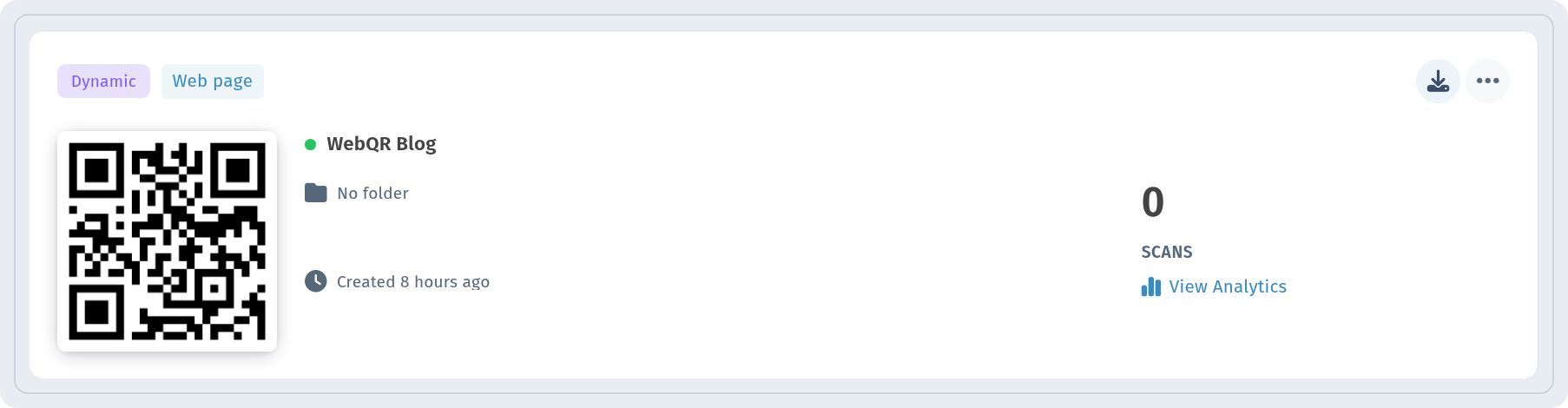
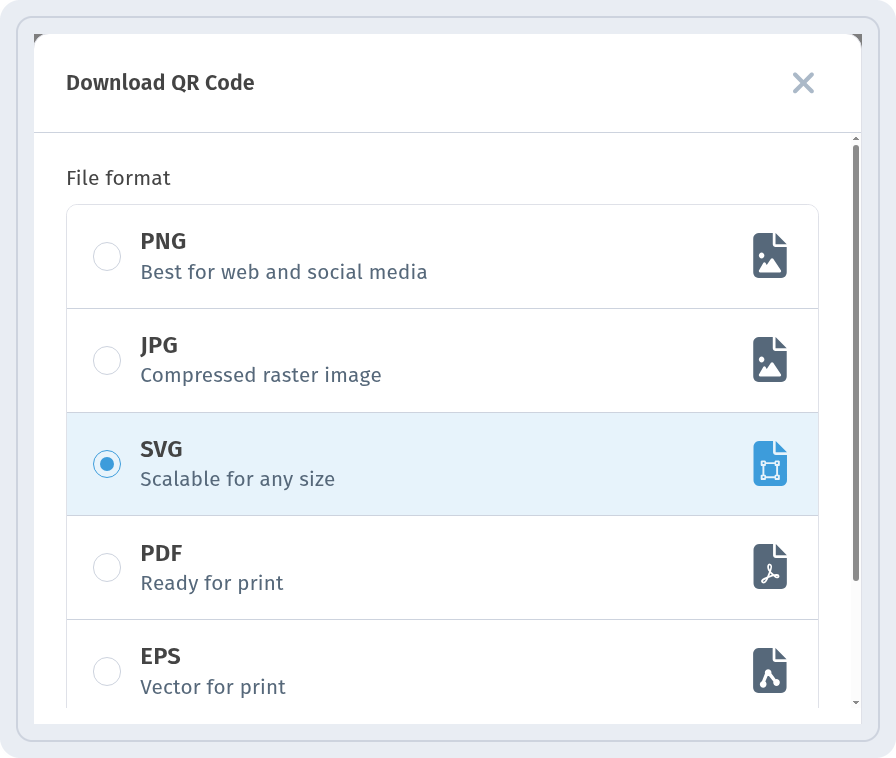
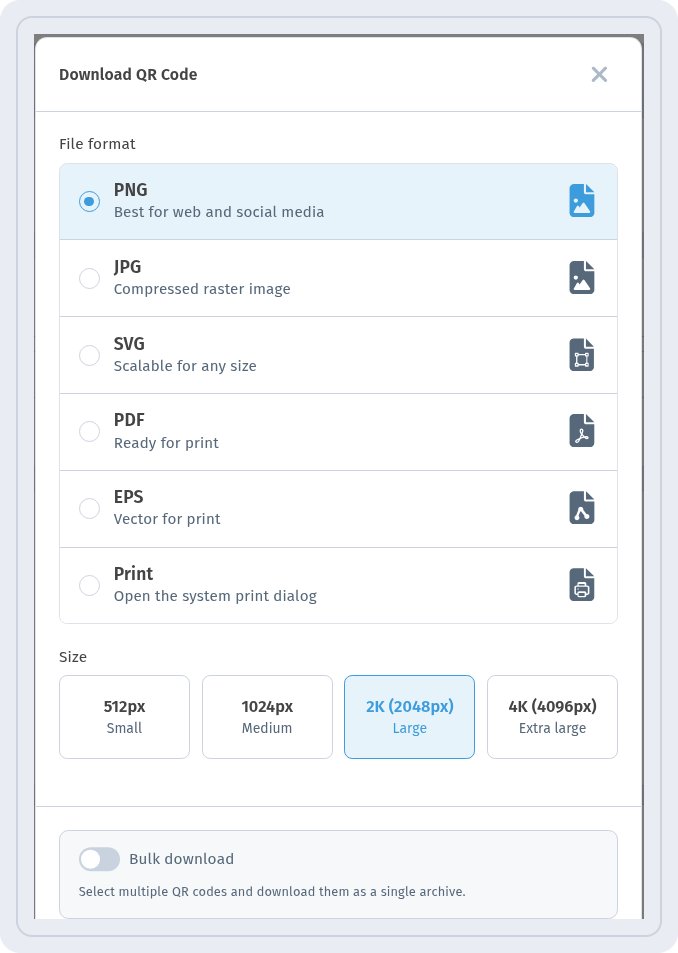
The Download QR Code dialog opens. Under File format you choose the format; below are Cancel and Download. The dialog remembers your last choice, so next time the same format and size are already selected. There are no colour or margin settings here — only the format and, for PNG and JPG, the size.
PNG and JPG: images for screens
- PNG — Best for web and social media. The background is transparent, so the code sits cleanly on any colour.
- JPG — Compressed raster image with a white background.
For these two formats a Size row appears with four buttons: 512px Small, 1024px Medium, 2K (2048px) Large and 4K (4096px) Extra large.
In the screenshot, PNG and 2K (2048px) Large are selected.
SVG, PDF and EPS: vector files
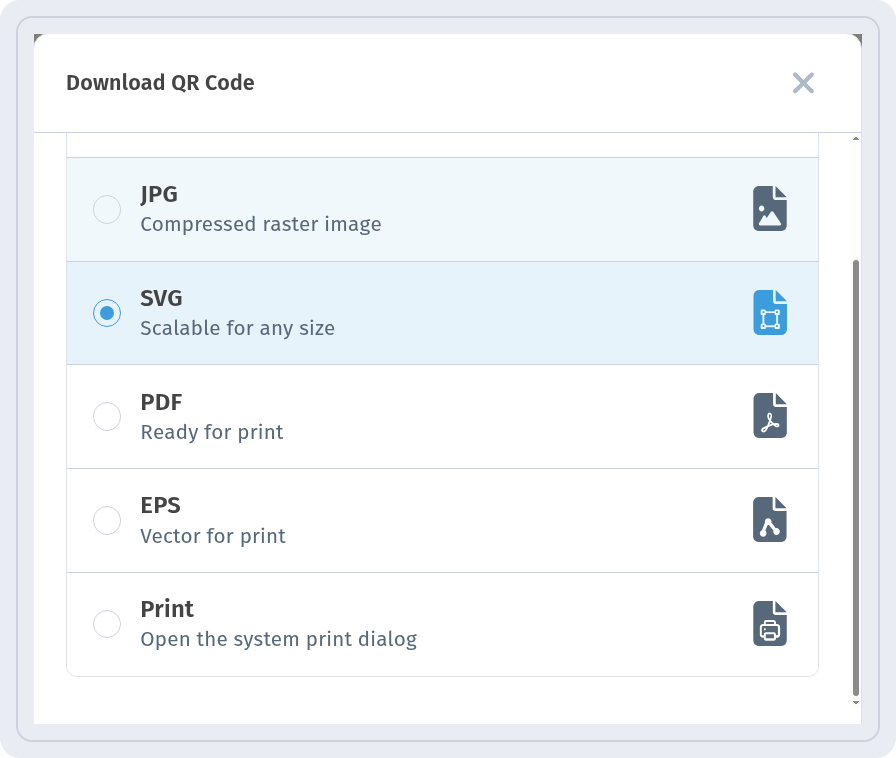
SVG (Scalable for any size), PDF (Ready for print) and EPS (Vector for print) are vector formats: they stay sharp at any size, so there is no size row. The PDF is an A4 page with the code and its name.
Print: straight to the printer
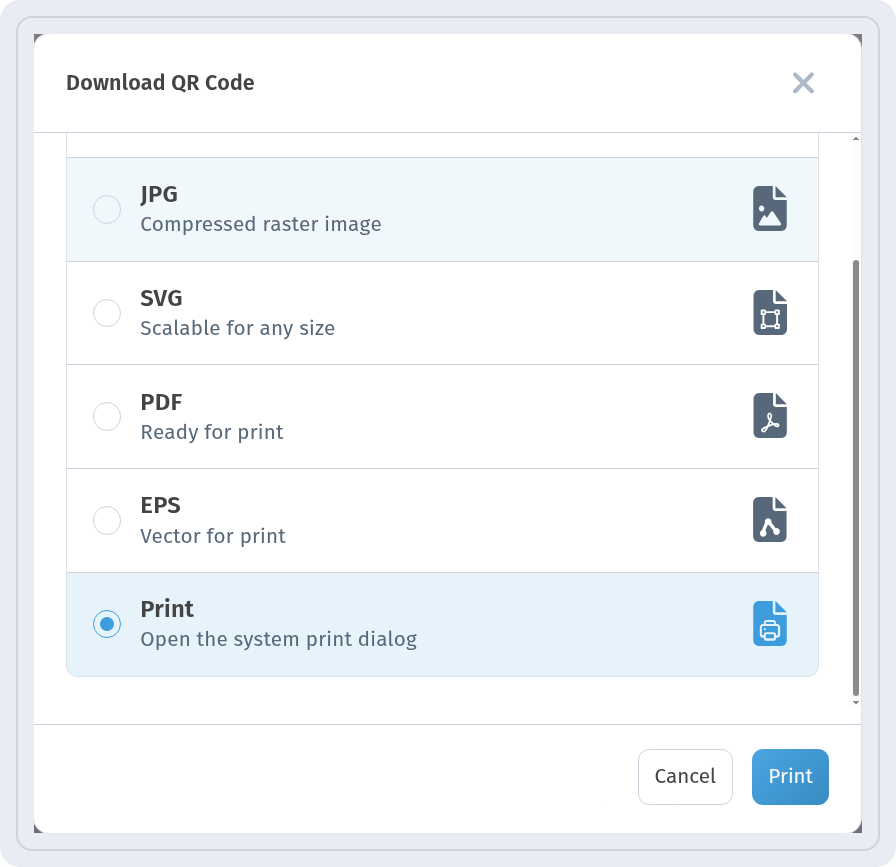
Print (Open the system print dialog) does not save a file — the Download button turns into Print and opens your system's print window.
At the bottom of the dialog there is also a Bulk download switch: Select multiple QR codes and download them as a single archive.
Which format to choose
- Website, social media, presentation: PNG — transparent background fits any design. Pick 2K or 4K if the image will be shown large.
- Email or a document where transparency isn't needed: JPG with a white background.
- Print shop, designer, large formats (posters, banners): SVG, PDF or EPS. Vector files can be scaled without losing quality. Ask the printer which they prefer; EPS and PDF are the most common in print.
- A quick printout at the office: Print, or the A4 PDF.
Whatever you choose, scan the result with your phone before printing a large run.