Create your QR code in a few steps
- Easy, seamless QR code creation
- Track and analyze user engagement
- Customize design, logo, colors and more
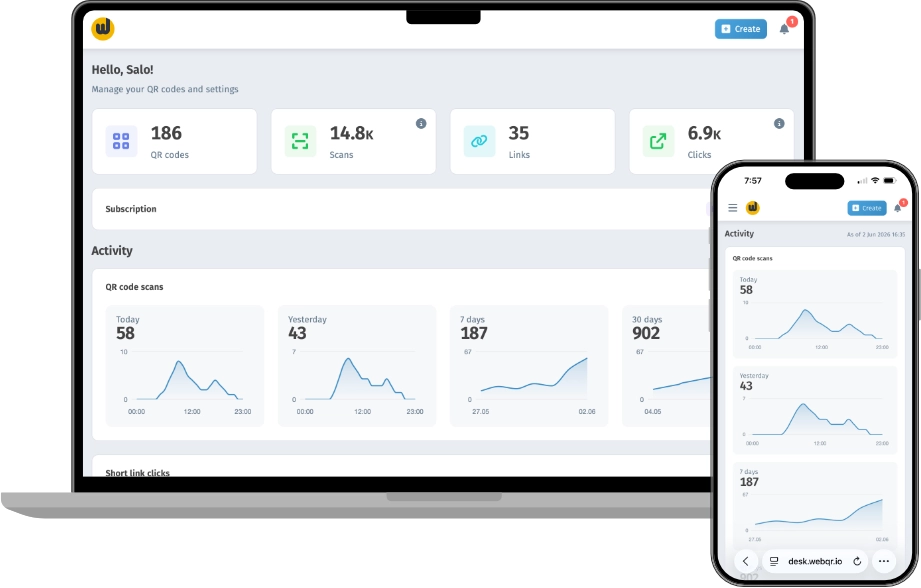
Dynamic QR Codes
Build a QR for your task in a few steps: an easy editor, and update the content anytime — no need to reprint the code.
-
Site
-
Wifi
-
PDF
-
Photo
-
Video
-
Business
-
Playlist
-
App
-
Links
-
Page
-
Instagram
-
vCard Prime
-
Social
-
Event
-
Poll
-
Rating
-
Sale


Web page
Send people to your website or landing pages with a dynamic QR code. Update the destination anytime after printing — ideal for campaigns and business sites.
Customize the appearance of your QR codes
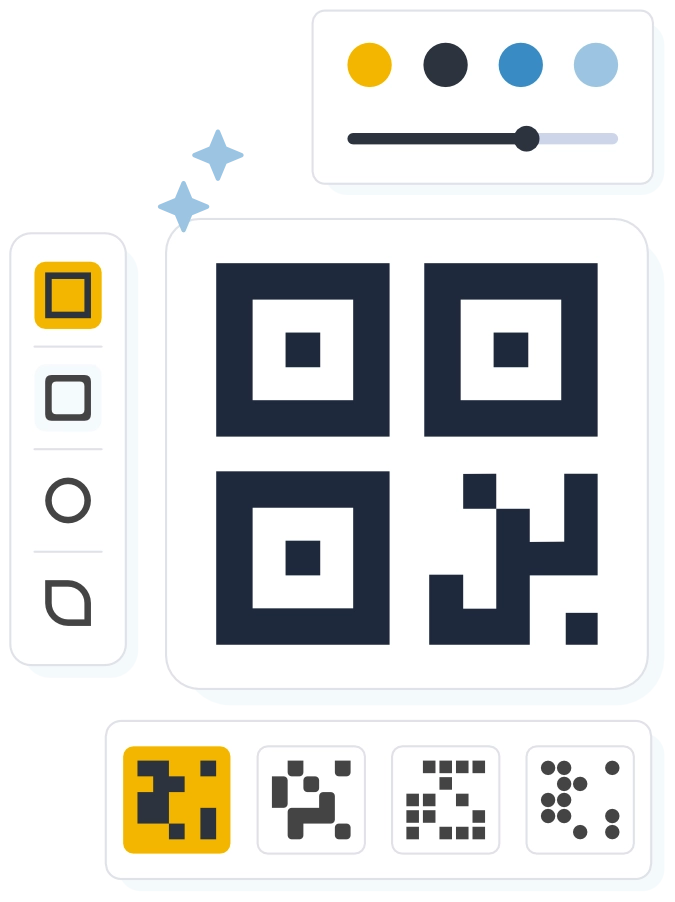
Use custom color schemes and frames that match your brand identity. You can even add your company logo to your QR code!
Easy to edit and download
Download QR codes in multiple formats and edit them anytime, even after printing.
Create QR codes with WebQR
Create static and dynamic QR codes: customize the design for your brand and download in the format you need — for print, web, and campaigns.
- 20+ content types: URL, Wi‑Fi, PDF, menu, vCard, social, and more
- Brand-ready design: colors, module shapes, eyes, frames, and a center logo
- Download as PNG, SVG, PDF, EPS, and JPG — multiple resolutions for print and web
- Dynamic QRs: change the link and content in the dashboard — the printed code stays the same
- Scan analytics: geography, devices, timing, and traffic sources
- Static QRs encode data in the image itself — great for business cards, Wi‑Fi, and quick links
Short links
Short links with UTM and click analytics — measure every campaign from poster to scan.
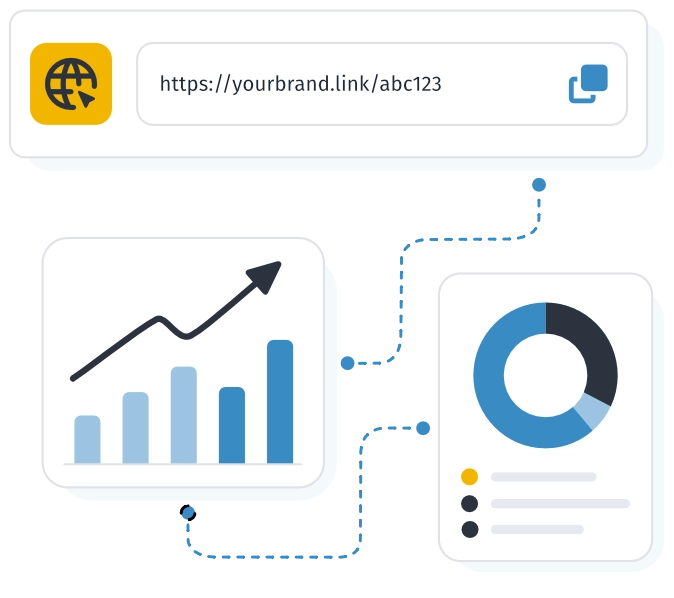
- UTM and other query parameters are preserved in the destination URL
- Click analytics: geography, devices, browsers, referrers, and UTM tags
- A QR code for every link — custom design and high-quality download
- Folders and favorites to keep your links organized
- Create in the dashboard in a minute — no separate domain setup
- Campaign story: UTM, source, and device in one click report
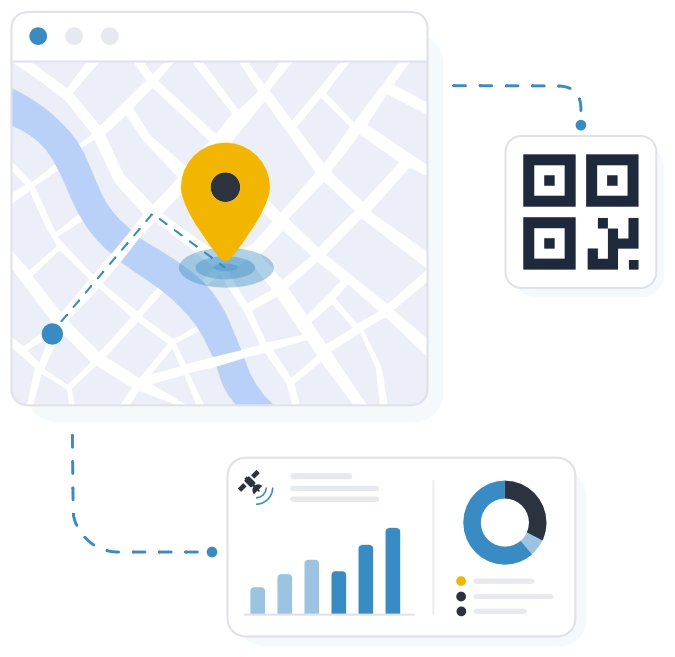
GPS location tracking
Get accurate user location data when scanning QR codes for more detailed analytics
- Accurate location — more precise than IP-based estimates
- Voluntary consent: users choose whether to share location
- Enable or disable anytime — no need to reprint the QR code
- Scan points on a map in the dashboard — city, country, and coordinates
- Works for dynamic QRs in a workspace with an organization name set
- Your organization name on the consent screen — guests see who is requesting location
WebQR API
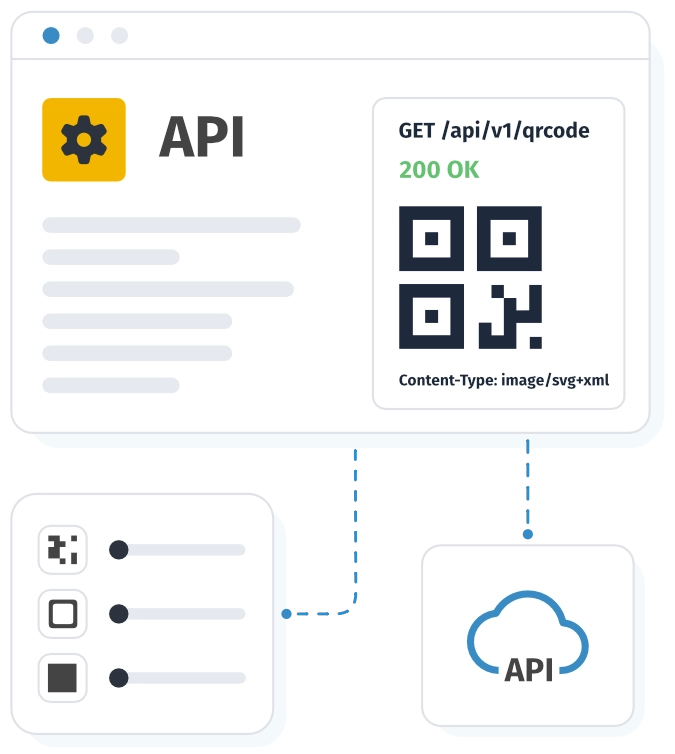
Generate branded static QR codes from your server: SVG in the response, the same design settings as in the builder.
- SVG from a single POST request — codes are not stored on WebQR
- Same design options as the builder: colors, module shapes, eyes, frames, and logo
- API keys, IP whitelist, and optional HMAC signing
- Stateless API — store SVG and metadata in your own infrastructure
- Transparent monthly quota — GET /v1/usage shows your remaining limit
- Gradients, rounded corners, and transparent backgrounds — all via JSON in design
Custom domains
Connect your own hostname for dynamic QR codes and short links.
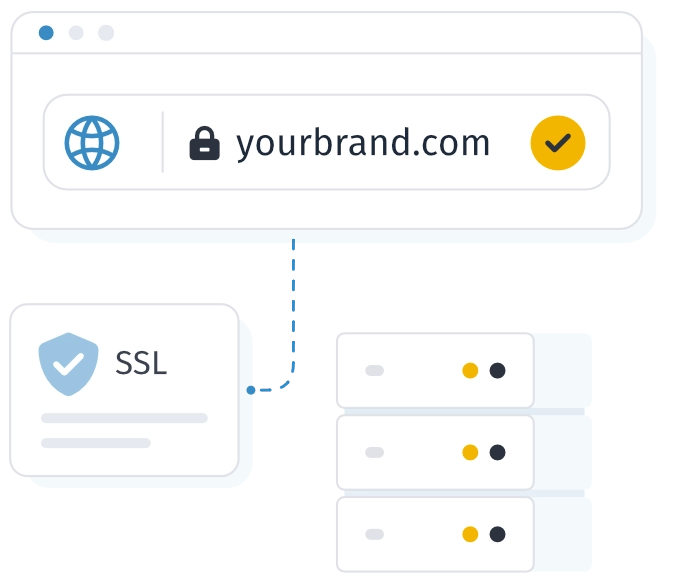
- Short links and QR on your domain, e.g. qr.brand.com
- Domain is tied to your account and works across all workspaces
- DNS setup: CNAME (or A/AAAA) plus TXT ownership verification
- Automatic SSL on your hostname after DNS verification
- For dynamic QRs and short links — one branded address
- A more professional image — users see your brand in every QR and link URL
Static and dynamic QR codes
The result of both is quite similar. They have differences regarding changes, updates, statistics, tracking.
Dynamic
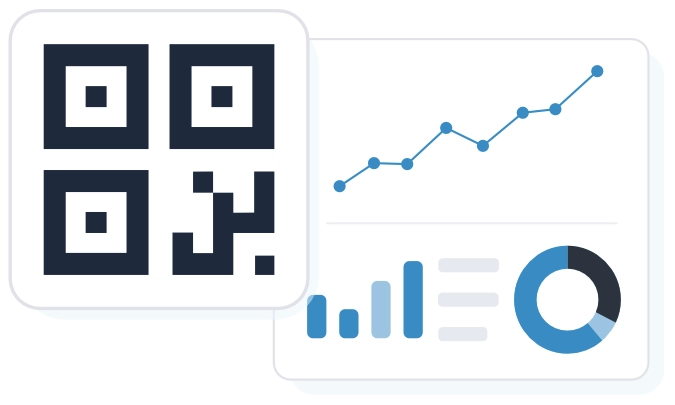
Flexibility and analytics to grow your business.
- Edit without reprinting Change the link, content, or settings at any time.
- Detailed analytics Track scans, geography, devices, and traffic sources.
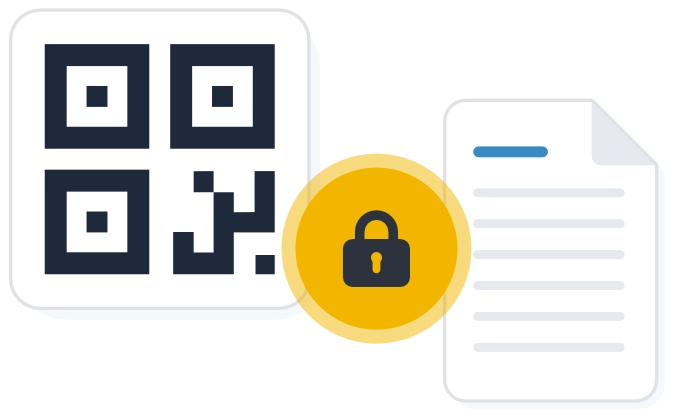
Static
Permanent information — reliable and unchanged.
- Cannot be changed after creation Data and the link are fixed and cannot be changed.
- Ideal for permanent information Great for Wi-Fi, contacts, addresses, plain text, and instructions.
What is a QR Code?
They were created in 1994 by Denso Wave company to control the movement of machines in the production process. They quickly gained popularity after the ability to use them in smartphones appeared. Nowadays, even a phone camera is enough to scan a QR code.
The abbreviation QR stands for Quick Response. When you scan a code, the camera or app recognizes the pattern of black and white modules and instantly decodes the encoded information: a link, text, contact, and more.
Now we'll tell you about several advantages of using QR codes and the features that are most in demand by users.
Convenient QR Code Generator
Learn about different types of QR codes. Take advantage of advanced features, a variety of available colors, frame formats, and even logos to attract attention to your QR codes.
Turn clicks into conversions. Create custom designs to convey your brand's uniqueness and attract attention to your codes. Share your dynamic QR codes and watch your customer base grow
Dynamic QR codes
Update the content anytime after printing — plus scan analytics in your dashboard.
Target page
Mini landing with action button
Instagram profile link
Static QR codes
Data is baked into the code: works without a server, content can’t change after printing.
Everything you need to know to get started
A short guide to QR codes, the two main types, and your first steps in WebQR — without the fluff.
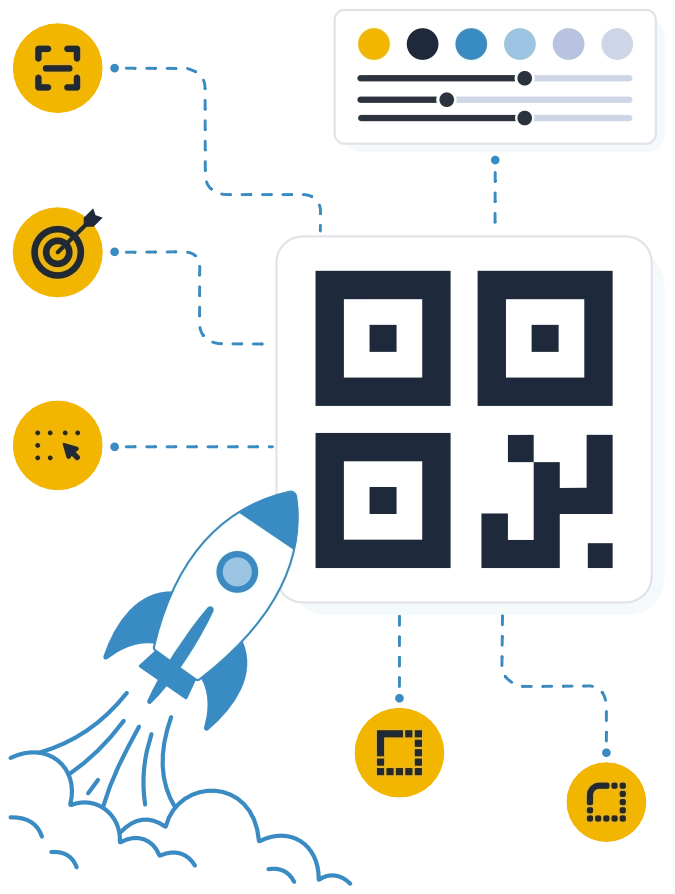
A QR code is a two-dimensional code your phone reads with the camera in a fraction of a second. It can hold a link, text, Wi‑Fi details, a contact, or a content page — with no manual typing.
Static — the data is baked into the code itself: after printing you can’t change it, but it works without a server. Dynamic — a short link to WebQR: update the content anytime, plus scan analytics in your dashboard.
Less typing of long links, faster phone access from print and ads. In WebQR you get branded design with a logo, short links, folders, and scan stats for dynamic codes.
On the homepage pick a content type, style the design, and download. You can create and download a static QR without signing up. An account is needed to save codes in the dashboard, use dynamic QRs, and view analytics.
On a phone, the built-in camera on iOS or Android is enough. From a screenshot, photo, or on a computer, use the WebQR online scanner — upload a file or use your webcam, no app install.
Yes. Starter is free forever and includes static and dynamic QR codes with basic analytics — with limits on codes and monthly scans. Higher limits, formats, and features are on Premium, Business, and Enterprise.
Answers to the main questions about QR codes
More detail on plans, design, analytics, and printing — without repeating the intro block above.
WebQR supports URL, text, Wi‑Fi, phone, WhatsApp, SMS, email, vCard, and more. Dynamic codes also cover pages with PDFs, images, video, menus, social links, events, and similar — pick the type in the builder.
In the dashboard you keep QRs in folders, create short links, save designs, and view stats for dynamic codes. On Business and above — team workspaces plus extras like GPS tracking.
No. You can build and download a static QR on the homepage without an account. Registration is needed to save codes in the dashboard, use dynamic QRs, folders, analytics, and other account features.
Each plan sets limits: static and dynamic QR counts, monthly scans, folders, storage, and more. Starter is free forever with basic limits; Premium, Business, and Enterprise raise quotas and unlock extra features. See current numbers on the pricing page.
Yes. You can cancel anytime from your account — access to paid features continues until the end of the current billing period, and auto-renewal is switched off right away, with no penalties.
Yes. Customize colors, module shapes, frames, and logo to match your brand — everything shows in the preview before download. On paid plans you can save the design to your library and reuse it on new codes.
PNG and JPG are available on the free plan — great for screens and smaller prints. Vector SVG, PDF, and EPS for professional printing at any scale are available on paid plans.
Yes. Save the look as a design in your dashboard (on paid plans — with an uploads library) and apply it to new QRs to keep a consistent brand style.
Yes, if it’s a dynamic QR — update the link or content anytime in the dashboard, no reprint needed. A static code can’t be changed after printing — create a new one.
Yes. Dynamic QRs show analytics in the dashboard — scan counts, devices, countries, and cities. On Business and above, you also get precise GPS tracking on a map, with the visitor’s consent.
It's usually low contrast, a code that's too small, or poor print quality. Leave clear space around the code and print it at least 2×2 cm.
Yes. After scanning in the WebQR online scanner you can save the code to your dashboard (account required), copy the content, and manage it with your other QRs — folders, sorting, and filters.
Yes. For printing at any size — from a business card to a banner — use vector SVG or PDF on paid plans; on the free plan, PNG works well for smaller printed codes.
Want to learn more?
Check out our frequently asked questions and clear up any doubts you may have about QR codes.