
Static vs Dynamic QR Codes: Which to Choose Before You Print
Static or dynamic QR code? Learn how each works, compare them side by side, and see how to create and edit both in WebQR before you print.
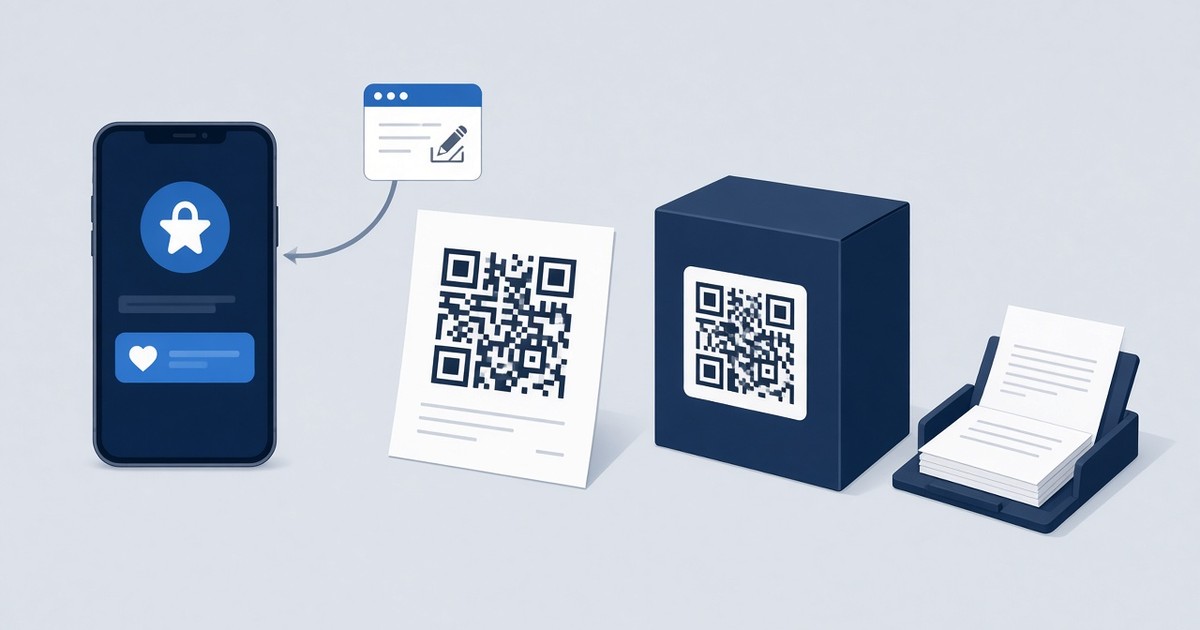
You have designed the flyer, approved the packaging and picked the paper. The last thing before sending files to the printer is the QR code — and one decision matters more than its color or logo: should it be static or dynamic? Once thousands of copies are printed, that choice can't be undone. This guide explains how each type works, compares them side by side, and shows how to create both in WebQR.
How a static QR code works
A static QR code stores your data directly inside the pattern. If you encode a website address, the URL itself is in the squares; if you encode Wi-Fi credentials, the network name and password are in the image. A phone reads the code and acts on that data immediately — no intermediate server is involved.
The consequence is simple: the content is fixed forever. To change the address, phone number or password, you need a new QR image — and a reprint. In WebQR this is stated right in the interface: the Static QR Codes section carries the subtitle “Reprint required when updating content”.
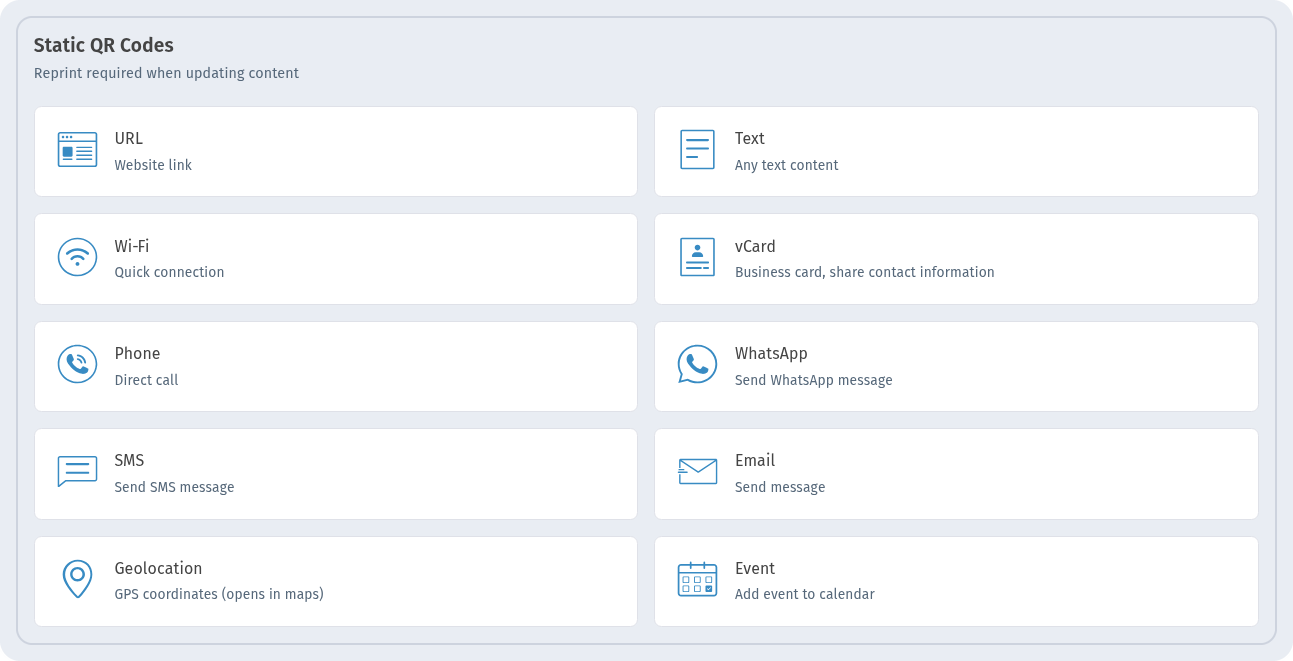
Static types available in WebQR: URL, Text, Wi-Fi, vCard, Phone, WhatsApp, SMS, Email, Geolocation and Event.
How a dynamic QR code works
A dynamic QR code encodes a short link (for example, webqr.uk/63643m) instead of the final content. When someone scans it, the short link redirects to the destination you set. Because the printed pattern only contains the short link, you can change where it leads at any time — the code on paper stays the same. Every scan also passes through the short link, so scans are counted.
WebQR describes the Dynamic QR Codes section as “Update content in real time, without changing your code”.
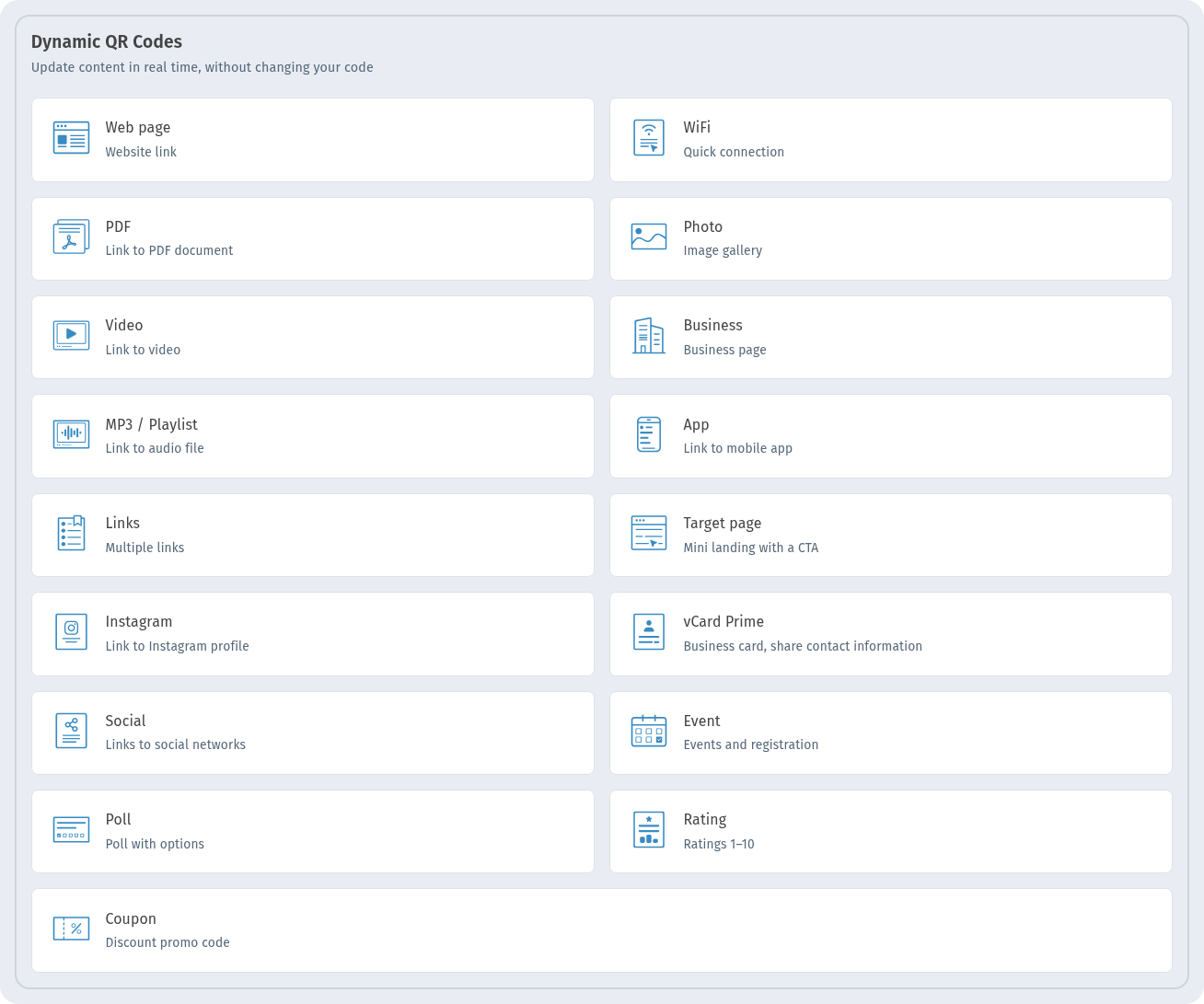
Dynamic types available in WebQR: Web page, WiFi, PDF, Photo, Video, Business, MP3 / Playlist, App, Links, Target page, Instagram, vCard Prime, Social, Event, Poll, Rating and Coupon.
Static vs dynamic: comparison
| Static QR code | Dynamic QR code | |
|---|---|---|
| What is encoded | The data itself (URL, text, Wi-Fi details…) | A short link that redirects to your content |
| Change content after printing | No — new QR image and reprint needed | Yes — the printed code stays the same |
| Scan statistics | Not counted | Scan count and View Analytics |
| Pause the code | No | Yes (Pause) |
| Works without a redirect | Yes, data is read directly | Relies on the short link |
| Best for | Content that will never change | Print runs, campaigns, content that may change |
When to choose which
Printed packaging — dynamic
Packaging is printed in large batches and lives on shelves for months. Product pages move, instructions get updated, promotions end. A dynamic code lets you point the same printed code to the new page without touching the packaging.
Restaurant menus — dynamic
Prices and dishes change often. With a dynamic code on table cards or stickers, you update the destination (for example, a new PDF menu) and the cards stay on the tables.
Flyers and posters — dynamic
Campaigns benefit from knowing whether anyone scanned. A dynamic code shows the scan count, and if the landing page changes or the offer ends, you can redirect visitors to something current.
Business cards — it depends
A static vCard works well if your details rarely change: the contact is saved straight from the code. If you expect to change jobs, phone numbers or your website, a dynamic code saves you reprinting the whole stack.
Wi-Fi — usually static
A static Wi-Fi code connects guests directly, with no link in between. It is a good fit if you rarely change the password. If you rotate the password regularly, consider the dynamic WiFi type so the printed sign doesn't need replacing.
Rule of thumb: if the content could change during the life of the printed material — or you want to count scans — choose dynamic. If it is permanent and simple, static is enough.
How to create a QR code in WebQR step by step
- Sign in to your dashboard and click the Create button.
- In the “What would you like to create?” window, choose QR code. The Create New QR Code page opens.
- Content type: pick a type from the Dynamic QR Codes or Static QR Codes section.
- Information: enter the content — for example, the website address.
- Settings: fill in QR Code Name and, if you like, choose a Folder to keep codes organised.
- QR design: customise Shape style, Eyes, Logo, Frame and Rounded QR corners, or apply one of your Saved designs.
- Use Back and Continue to move between steps, and click Create on the last one.
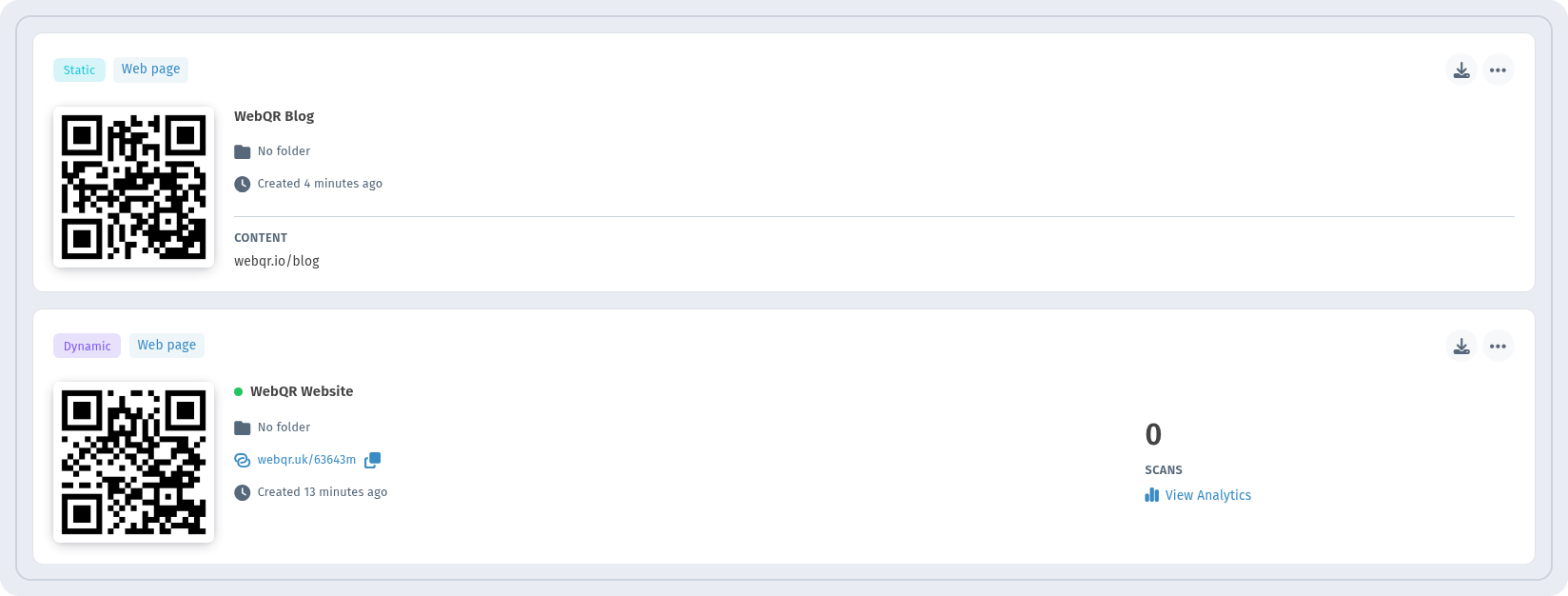
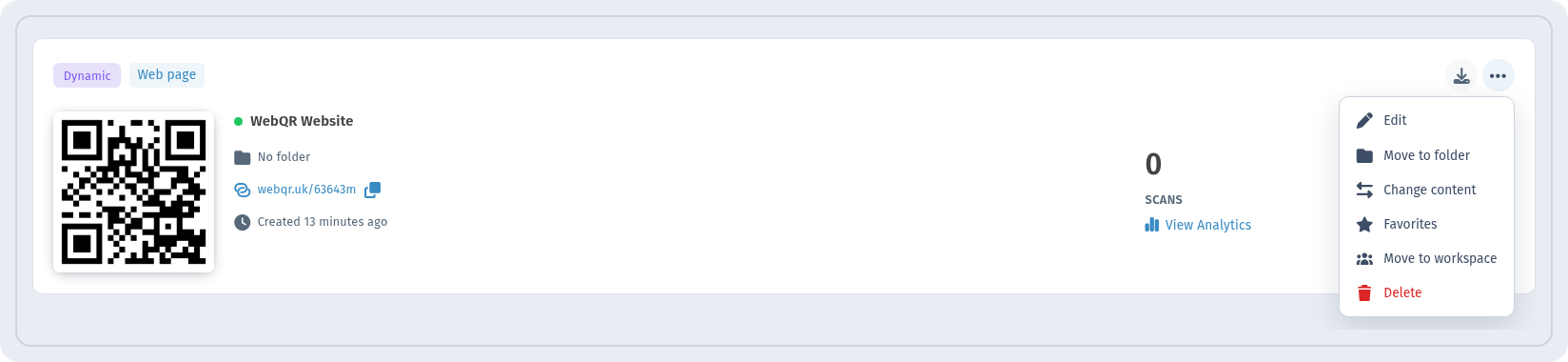
Your new code appears in My QR Codes. The cards make the difference between the two types easy to see: a dynamic card shows its short link, the scan count, View Analytics and an active indicator with Pause; a static card shows the content itself — the destination encoded in the image.
How to change the link of a dynamic QR code
- Open My QR Codes and find the dynamic code.
- Click the … menu on its card. Besides Edit, Move to folder, Favorites, Move to workspace and Delete, dynamic codes have Change content.
- Choose Change content (or Edit). The edit page opens with the tabs Information, Settings and QR design.
- On the Information tab, replace the address in the Website field.
- Click Save (or Cancel to discard changes).

The short link — and therefore the printed code — stays the same; scans now lead to the new address. Static codes don't have Change content: their data is in the image, so new content means a new code.
FAQ
Can I turn a printed static code into a dynamic one?
No. A static code contains the data itself, so the printed image can't be redirected. Create a dynamic code and use it on the next print run.
Will the dynamic code change if I edit the destination?
No. The code encodes a short link, which stays the same. Only the place it leads to changes.
Can I see how many people scanned my code?
For dynamic codes, yes: the card shows the scan count, and View Analytics opens the details. Static codes are read directly, so scans aren't counted.
Can I temporarily stop a code?
A dynamic code can be paused with Pause on its card.
Can I change the design after creating a code?
The edit page has a QR design tab. Keep in mind that if the code is already printed, design changes only apply to new prints.
Is a static code ever the better choice?
Yes — for permanent, simple data such as a Wi-Fi network you don't change or a contact card, a static code works directly without a redirect.
Conclusion
Static codes are simple and permanent: what you encode is what you get, forever. Dynamic codes keep printed material flexible — you can change the destination, count scans and pause the code without reprinting. Before you send anything to print, ask one question: could this content change? If the answer is “maybe”, go dynamic. Create your next code in WebQR and pick the right section from the start.