
Dynamic QR Codes
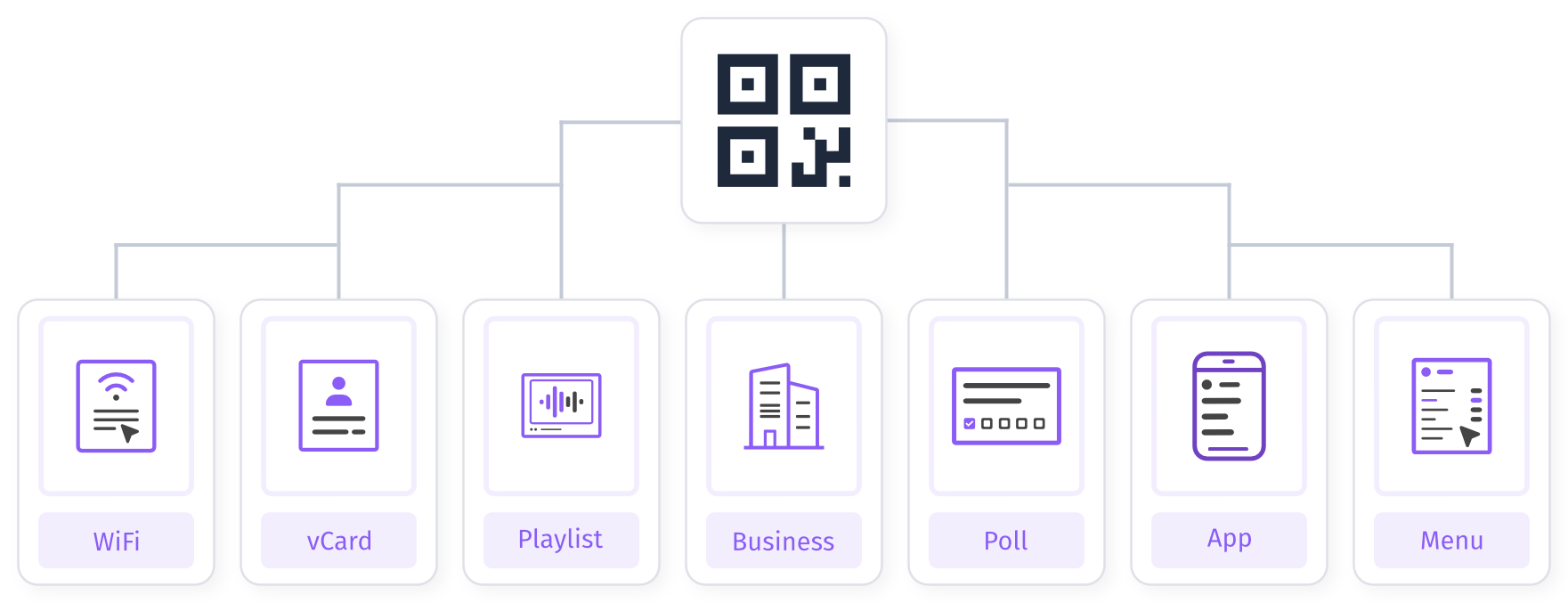
Dynamic QR codes in WebQR let you change links and content without reprinting — the code on your materials stays the same. You get scan analytics, editing and multiple page types for up-to-date marketing campaigns.
Benefits
-
Tracking and analytics: Get valuable insights into how your QR codes perform, including scan counts, geographic locations, devices used, and times of day when most scans happen. Easily analyze audience behavior and optimize your campaigns.
-
Real-time updates: With dynamic QR codes you can instantly update linked content (URL, text, images, video, and more) without reprinting physical codes. Adjust content to match the latest news and business needs without extra cost or rollout delays.
-
Error corrections: Made a mistake in your code content? No problem — you do not need a new code. Just update the information to fix the error quickly and ensure users always access the right data.
-
Cost savings: Avoid unnecessary expense by not reprinting QR codes every time you need a change. Centralized management also reduces the time and resources needed to maintain campaigns, so you can invest elsewhere, maximize ROI, and improve long-term profitability.
-
Short URLs: Short URLs in your QR codes are easier to use and remember. They can carry any type of content, optimize code density, and provide fast, simple access to information.
-
Marketing campaigns: Marketing changes constantly — with dynamic QR codes you can refresh campaigns anytime to keep them relevant and engaging. Stay current, test what content works best, and adapt on the fly.
-
Security and control: Protect your QR codes with passwords and configure availability when needed. Pause codes or extend their validity over time for stronger security and control over your information — peace of mind and full control over your digital assets.
How to use
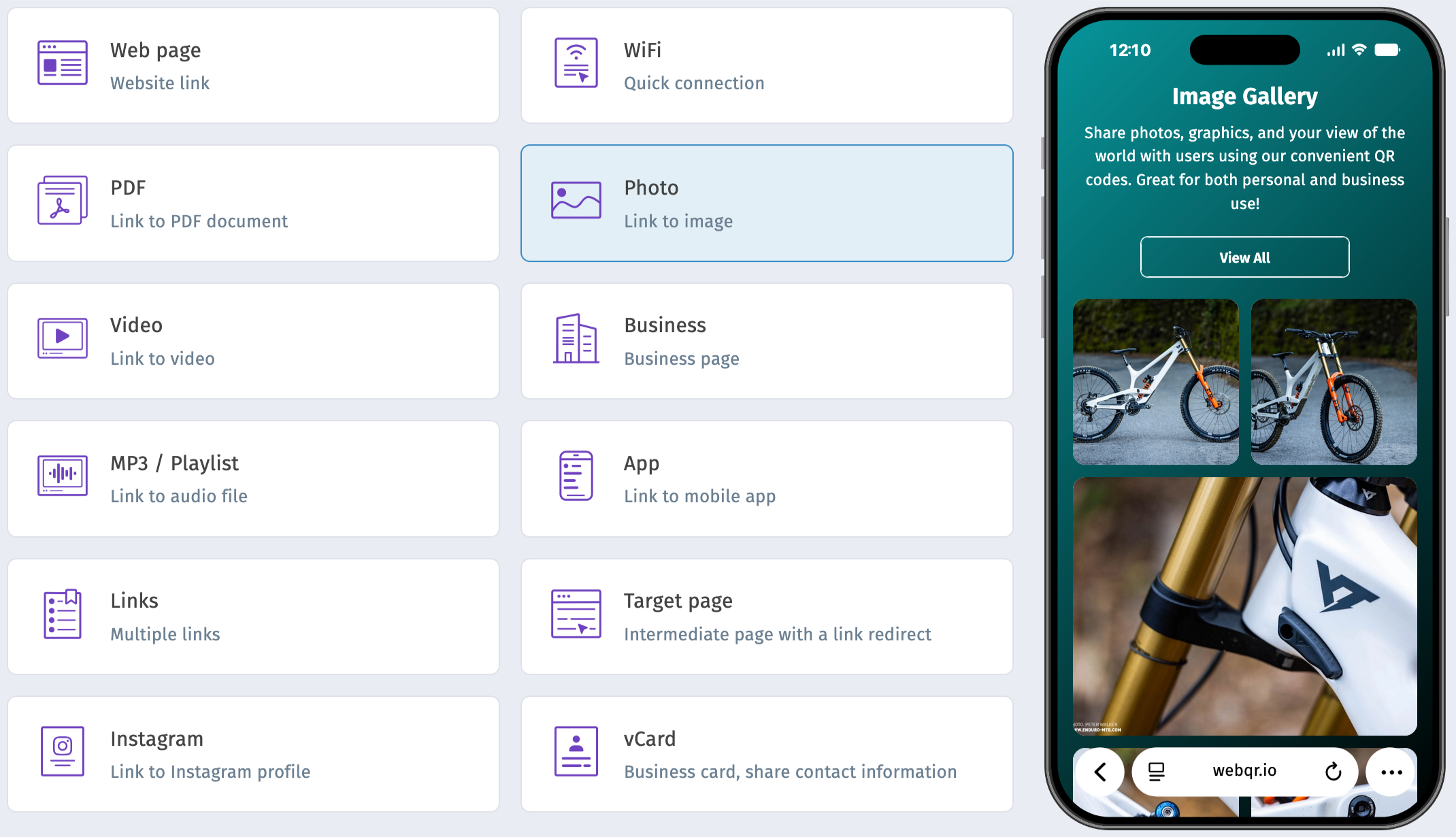
Creating and configuring dynamic QR codes is straightforward and offers many features.
Here is a quick guide to getting the most out of them:
-
Choose a dynamic QR type: When choosing a dynamic QR type, think about what information you want to share and how customers will interact with it. Pick the type that best fits your needs and your users. For example, for a brochure or price list, a PDF QR is often the simplest option.
-
Add required information: When adding information to the QR code, include everything users need for a complete experience. Consider which file types or data matter most to your audience and keep content clear. For a menu, list all dishes with descriptions, prices, and images.
-
Customize the QR code: Customize the QR code to reflect your brand and stay recognizable. Choose colors, fonts, and visuals that match your identity. You can also schedule availability and customize the URL for easier recognition.
-
Download the QR code: Download the QR code in the format that suits you best — SVG, EPS, JPG, PNG, or PDF. Multiple formats make it easy to use on brochures, posters, business cards, and more for effective distribution.
Learn more about other features
Choose a section and find out more
Create your QR codes today!
Register and start creating your dynamic QR codes. Use advanced analytics and branding features, and easily edit your QR codes anytime.
Starter — free forever No credit card Cancel anytime