
Google and Facebook pixel integration
In WebQR, connect Google Analytics 4, Google Tag Manager, and Meta Pixel to dynamic QR landing pages — see how your audience engages: popular links, viewing patterns, and actions after a scan.

Benefits
The main benefit is sharper conversion tracking from QR scan to on-site actions. You can measure campaign performance, see which strategies work, and optimize digital marketing with real data.
For example, promoting a new restaurant menu with a QR: with Google and Meta pixels you see not only scan counts but also which menu sections get the most interest — so you can tailor promotions to your audience.
How to use
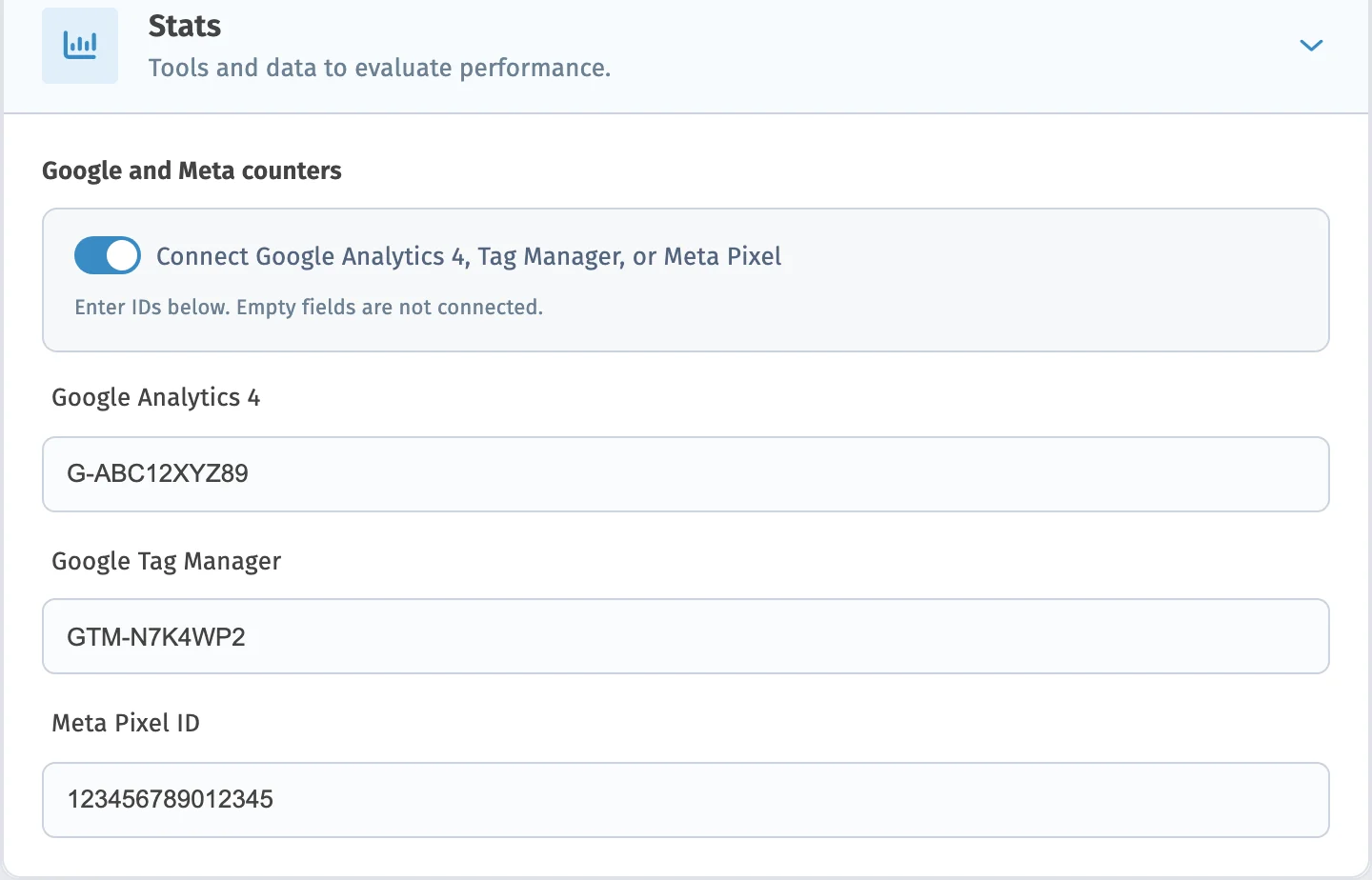
To add Google and/or Meta pixels to a QR code and track key events, follow the steps below.
-
Create or edit a dynamic QR code in the WebQR builder.
-
In the QR advanced settings, enter your Google Analytics 4, Meta Pixel, and/or Google Tag Manager IDs — paste the values from Google and Meta into the matching fields.
-
Finish creating or editing the QR code as usual.
-
Open Google Analytics 4, Facebook Business Manager, or another platform where your pixels are set up, and review events from the QR page.
-
Use the external data to adjust your digital strategy and improve QR campaigns based on statistics.
These steps help you get the most from Google and Meta pixels on WebQR QR codes and improve marketing results.
Learn more about other features
Choose a section and find out more
Ready to add pixels to your QR?
Create a dynamic QR code and add Google and Meta counters in page settings
Starter — free forever No credit card Cancel anytime