
Templates
QR code templates are a powerful tool that lets you save and reuse your own QR designs. They include colors, frames, styles, and logos—an efficient way to keep multiple QR codes visually consistent.

Benefits
Using QR code templates has many advantages:
-
Save time: You do not need to design every QR code from scratch. Apply a saved template to create new codes quickly.
-
Brand consistency: Keep a uniform look across all your QR codes to strengthen brand recognition.
-
Simplicity: Easily save templates and access them anytime, which simplifies complex projects.
-
Versatility: Use templates for single QR creation or bulk generation, adapting them to different needs.
Save or apply a design
On the last step of QR creation, open Saved designs in the design panel. Use Save design to store the current look as a template, or Apply other design to pick one you saved earlier.

How to save a template

How to create templates?
-
Open the templates section from the vertical menu.
-
: to get started.
-
Enter a template name and choose styles, colors, and a frame.
-
: to store your new template.
Create a template while building a QR code
-
On the last step of QR creation you will see a tab with a checkbox next to “Save template when finished”. Check it and enter a template name.
-
Choose colors, styles, frame, and logo.
-
When you click “Done”, you create the QR code and save its design as a reusable template.
How to choose an existing template
When creating or editing a QR code, pick one of your templates on the last step under “QR code design”. Click “Templates”, choose the one you like, and see the applied design in the preview on the right.

QR templates make it much easier to manage visual identity and stay consistent. Focus on your QR content while keeping design quality without redoing styling every time.
What a template saves
A template stores every design setting from the editor — you do not need to redo styling for each new QR code.
-
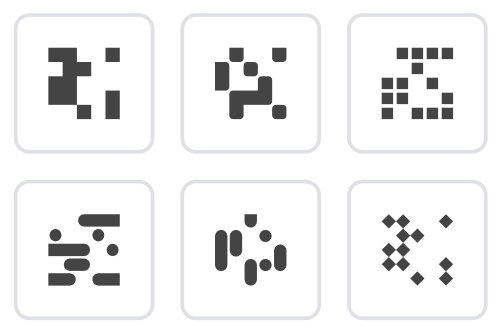
Module shapes
Square, rounded, or dot-style modules. Each shape gives your QR code a distinct look that stays consistent across projects.
-
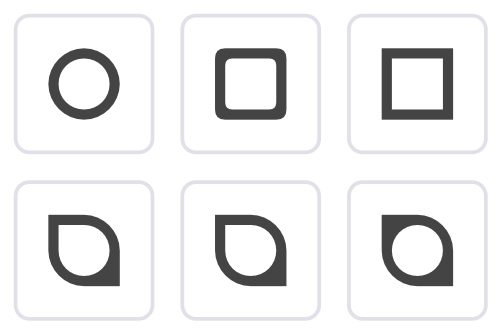
Outer eyes
Customize the outer shape of the three corner patterns: square, rounded, or floral. Set a recognizable style for all your codes.
-
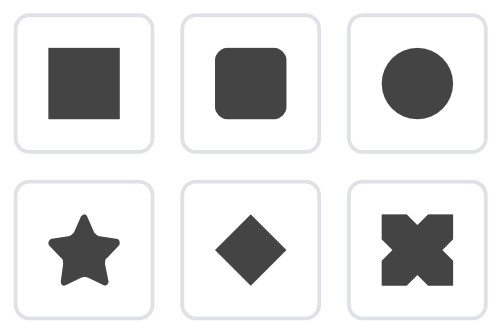
Inner eyes
Adjust the inner elements of the corner patterns — square or round centers. Combine outer and inner styles for a unique design.
-
Logo
Add your logo to the center of the QR code — it is saved with the template.
-
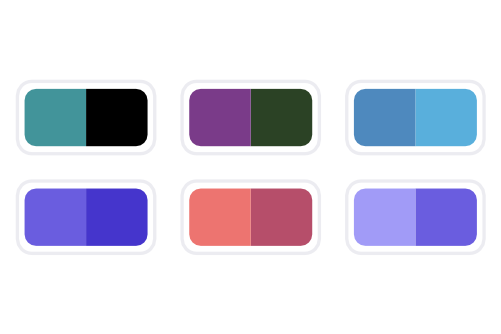
Gradients
Apply gradients to modules or eyes. Direction and colors are stored in the template for modern, eye-catching designs.
-
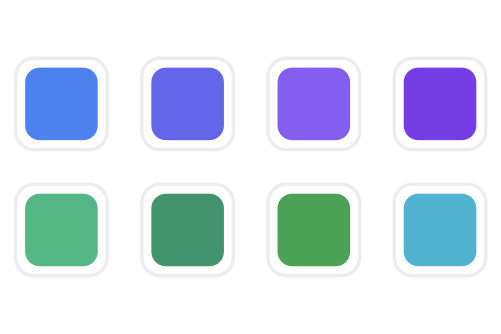
Colors
Pick any colors for modules, background, eyes, and logo areas — including separate palettes for logos and the rest of the code.
-
Frames
Wrap QR codes in styled frames with optional text below. Frames are saved as part of the template for a finished look.
Learn more about other features
Choose a section and find out more
Ready to save your first template?
Create a QR code with a unique design and save it as a template for future projects
Starter — free forever No credit card Cancel anytime