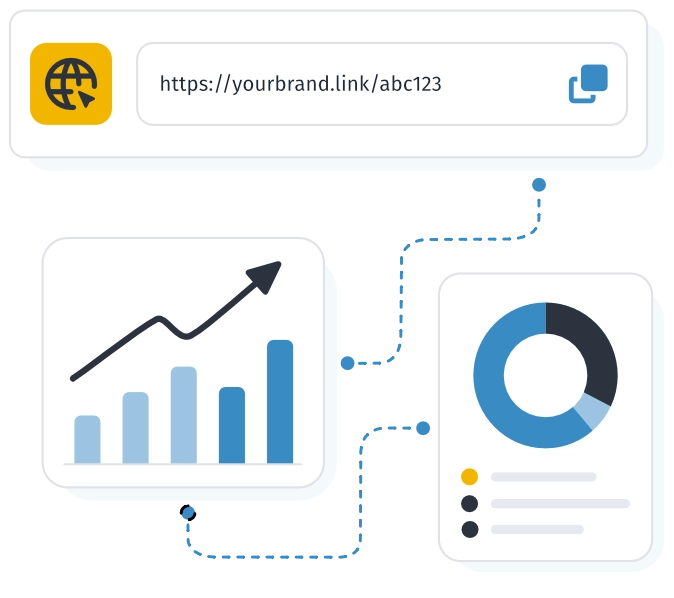
Create short links in WebQR, share them on social media, in emails and messengers — with click analytics and a QR code for every link.
Benefits
Short links make long URLs easy to share, keep tracking parameters intact, and show stats for every click.
Preserve tracking parameters:
Long URLs with UTM tags, campaign parameters, and other query strings are shortened without losing analytics data.
Track performance:
See clicks, traffic sources, geography, devices, browsers, and platforms — and optimize campaigns with per-link statistics.
QR code for every link:
Each short link gets an auto-generated QR code with customizable design and high-quality download — ideal for print and offline marketing.
How to create short links
Create and manage short links in your WebQR dashboard.
1
Open short links in your dashboard — no extra setup required; you can start in about a minute.
2
Add a long URL: UTM tags and other parameters are preserved while the link becomes short and ready to share.
3
Share the short link or QR code in emails, social posts, and newsletters, then track clicks in analytics.
Starter — free forever
No credit card
Cancel anytime
We value your privacy
We use cookies to enhance your browsing experience, remember your preferences, and analyse our traffic. By clicking "Accept All", you consent to our use of cookies. Cookie Policy
Customise Consent Preferences
We use cookies to help you navigate WebQR efficiently and perform certain functions. You will find detailed information about all cookies under each consent category below. ... The cookies categorised as "Necessary" are stored in your browser as they are essential for enabling the basic functionalities of the site, such as secure sign-in and saving your preferences.
With your prior consent, we may store analytics cookies for Matomo, WebQR's own analytics platform hosted on our servers. They help us understand how the service is used (for example, visitor numbers and traffic sources). We do not use third-party advertising in your account area. We do not use third-party analytics cookies on WebQR. If you decline analytics cookies, we continue to collect anonymous cookieless statistics that do not identify you.
You can enable or disable optional cookies below at any time. Disabling analytics cookies does not block access to WebQR, but may change how repeat visits are measured in our statistics.
Always Active
Cookiewebqr_session
Duration1 day
DescriptionKeeps you signed in and maintains your session while you use WebQR.
CookieXSRF-TOKEN
DurationSession
DescriptionProtects forms and requests against cross-site request forgery attacks.
Cookiewebqr_consent
Duration1 year
DescriptionStores your cookie consent choices so we do not ask again on every visit.
Cookietheme
Duration1 year
DescriptionRemembers light or dark theme so the site looks the way you chose.
Cookiewebqr_locale
Duration1 year
DescriptionStores your selected language so pages load in the right locale.
Cookietimezone
Duration1 year
DescriptionStores your timezone so dates and times display correctly.
Cookiewebqr_2fa_trust
Duration30 days
DescriptionWhen you choose to trust a device after two-factor authentication, this cookie skips repeated 2FA prompts on that device.
Cookiewebqr_help_locale
Duration1 year
DescriptionRemembers your language preference in the Help center.
Cookie_pk_id.*
Duration13 months
DescriptionMatomo sets this cookie to recognise returning visitors and measure sessions when analytics cookies are enabled.
Cookie_pk_ses.*
Duration30 minutes
DescriptionMatomo uses this short-lived cookie to track a browsing session when analytics cookies are enabled.
Cookie_pk_ref.*
Duration6 months
DescriptionMatomo stores the referrer that brought you to the site when analytics cookies are enabled.
CookieIDE / ANID / DSID (Google)
Duration13 months
DescriptionGoogle AdSense and related services may set cookies for ad delivery and measurement if you consent to advertising cookies.