
QR Codes on Packaging and Labels: What to Link, Design and Placement
How to add a QR code to product packaging and labels: what to link, why to use a dynamic code, design with a frame, size and placement, one code per product and testing.
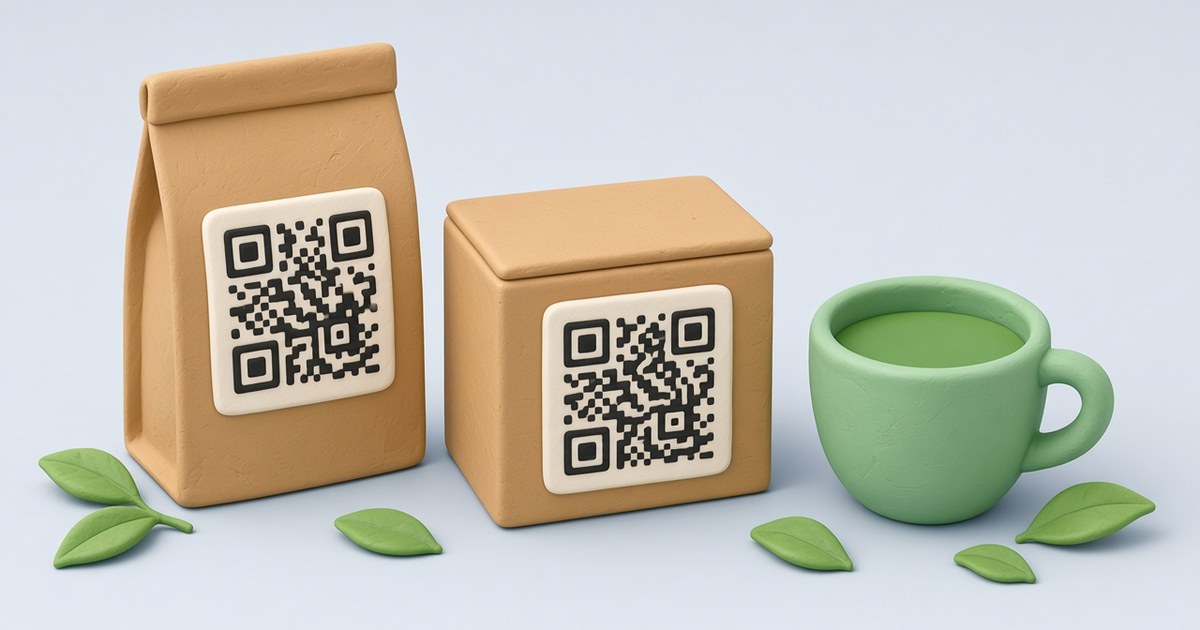
A QR code on a box, label or tea pouch is printed once and then sits on the shelf for months. That is the reason to plan it carefully. This guide uses a demo tea brand, Aurora Tea, to walk through what to link, how to design the code, where to put it on the package and how to check it before a print run.
What to link from a package
A package code works best when it gives the buyer something the label has no room for:
- brewing or usage instructions, recipes and tips;
- ingredients, origin and certificates;
- a product video or a page with the whole product line;
- a warranty or registration form, support contacts;
- a page for reviews or social media.
One rule: link a page you control and can update, not a file that may disappear.
Use a dynamic QR code
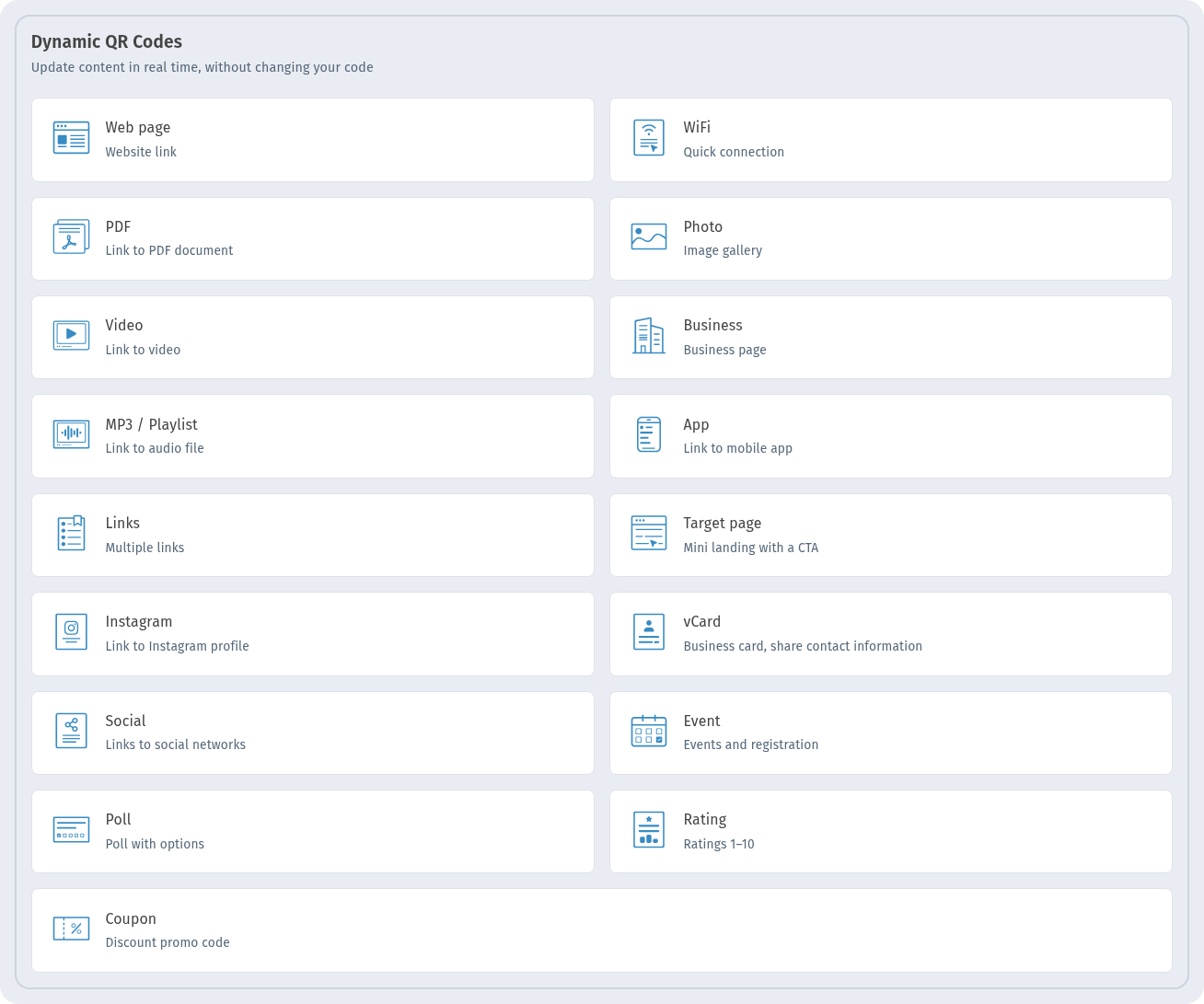
In WebQR, dynamic codes live in their own section: web page, PDF, video, business and other types. A dynamic code points to a short link, and the short link points to your content. So the destination can change after the package is printed.
This is the main reason dynamic codes suit packaging. A product page moves, a campaign ends, a new recipe appears, and the code on thousands of printed boxes still works. Read more in Static vs dynamic QR codes.
Design: contrast, frame and a call to action
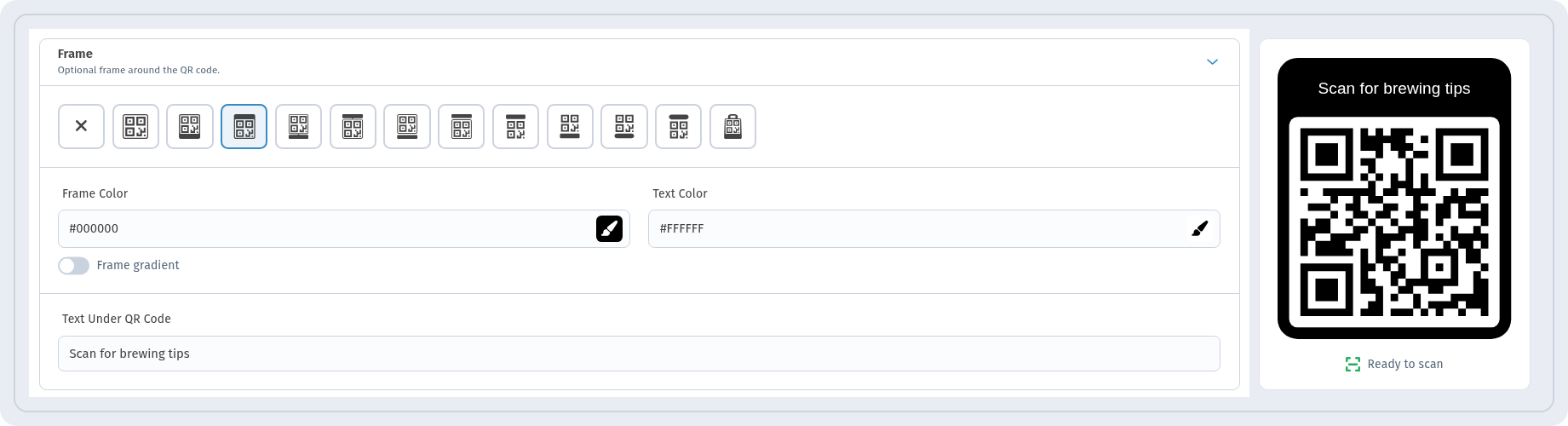
For Aurora Tea Green Sencha we kept dark dots on a white background and added a frame with a short call to action. In the Frame section, choose a frame style, set Frame Color and Text Color, and type the text into Text Under QR Code, for example "Scan for brewing tips". The preview on the right shows the result and the Ready to scan indicator.
A few design tips for packaging:
- keep dark modules on a light background; inverted or low-contrast colors scan worse;
- the call to action should say what the buyer gets, not just "Scan me";
- if you add a logo, keep it small. See How to add a logo to a QR code.
Size and placement on the package
These are general printing guidelines, not limits of WebQR:
- size: at least about 2 × 2 cm for a code scanned from arm's length; bigger is safer;
- flat surface: avoid folds, seams, sharp curves of bottles and cans, and areas under shrink film;
- quiet zone: leave an empty margin around the code; do not put text or patterns right up to the edge;
- material: glossy film and foil can reflect light; matte areas are more reliable.
For file formats and print settings, see How to print QR codes correctly.
Changing the destination after printing
When the link needs to change, open the code from My QR codes, choose Edit and enter a new address in the Website field. The printed code stays the same; only the destination changes.
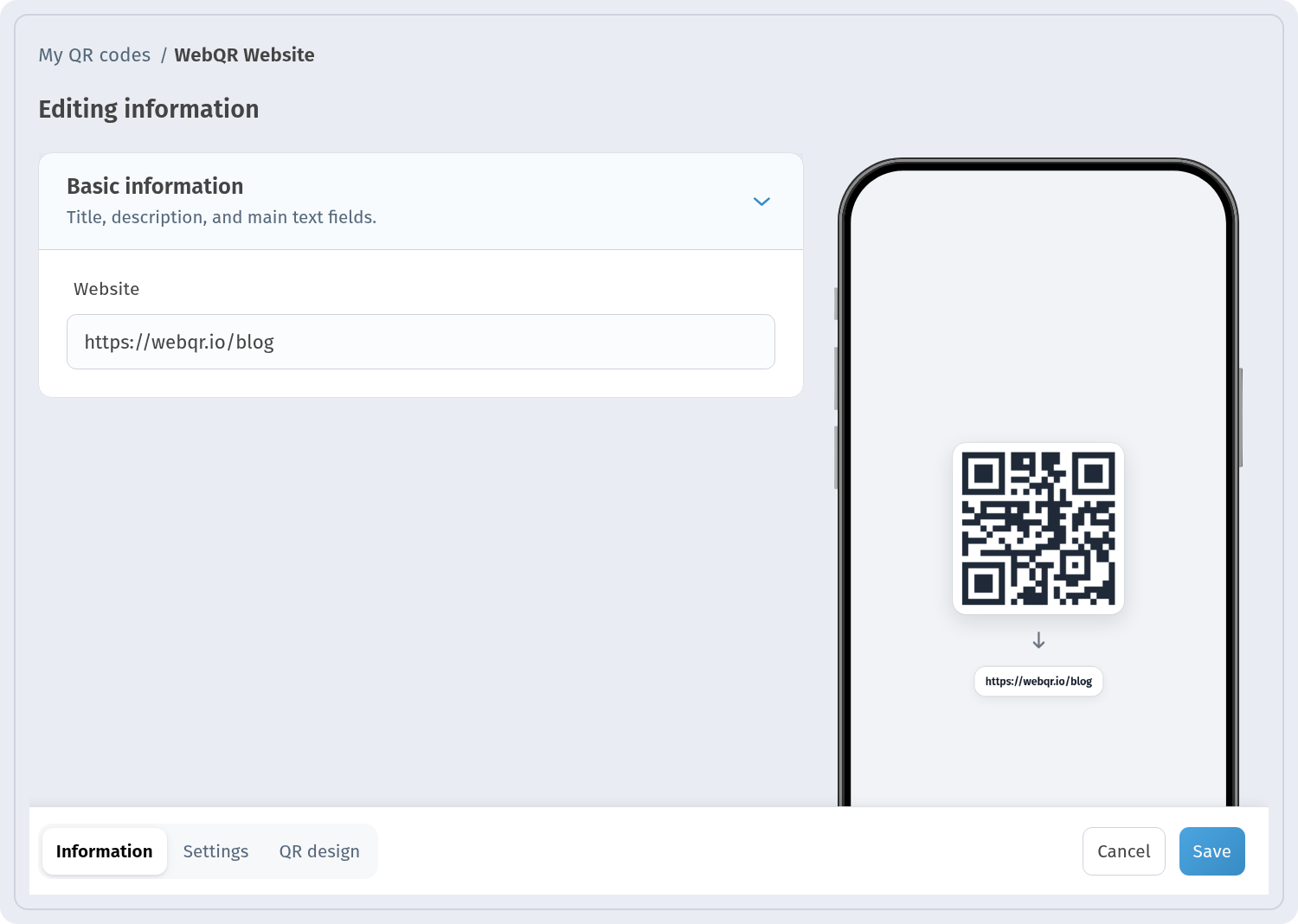
Do not touch the URI field of a code that is already printed. It is the short link encoded in the QR image; changing it breaks the old links, and the WebQR editor warns about this.
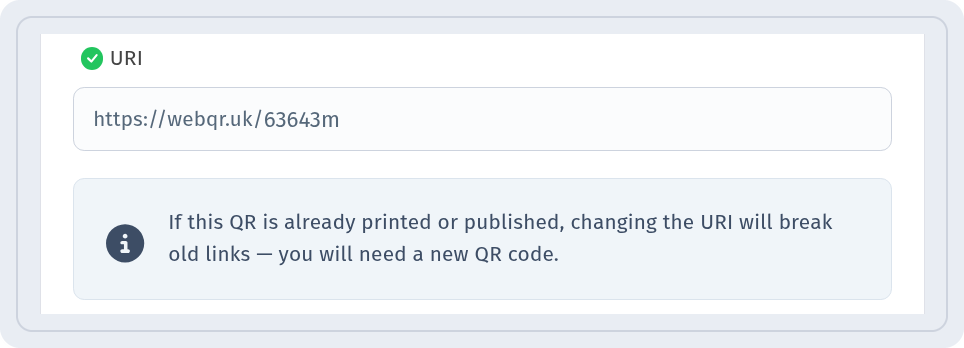
More details: How to edit a QR code after printing.
One code per product: bulk creation from CSV
If you have many products or flavors, give each one its own code. In WebQR you can create a batch from a CSV file: one row per product with a name, type and link. Before creating, the preview shows each row and whether it passed the check.
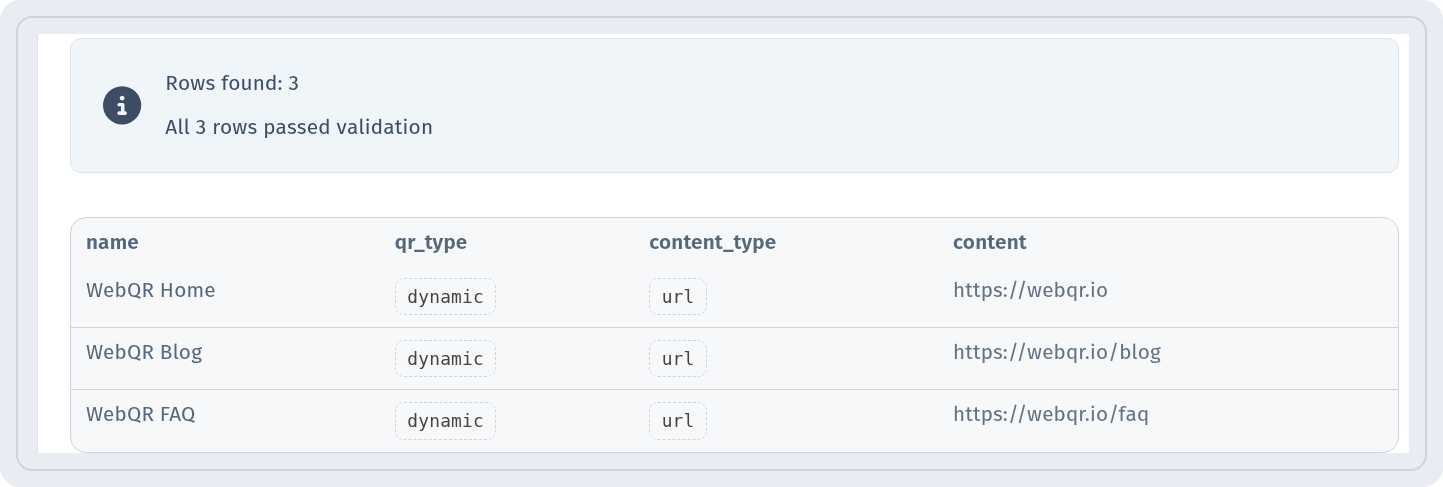
When the batch is ready, download all codes at once with Download ZIP and hand the files to your designer or printer.
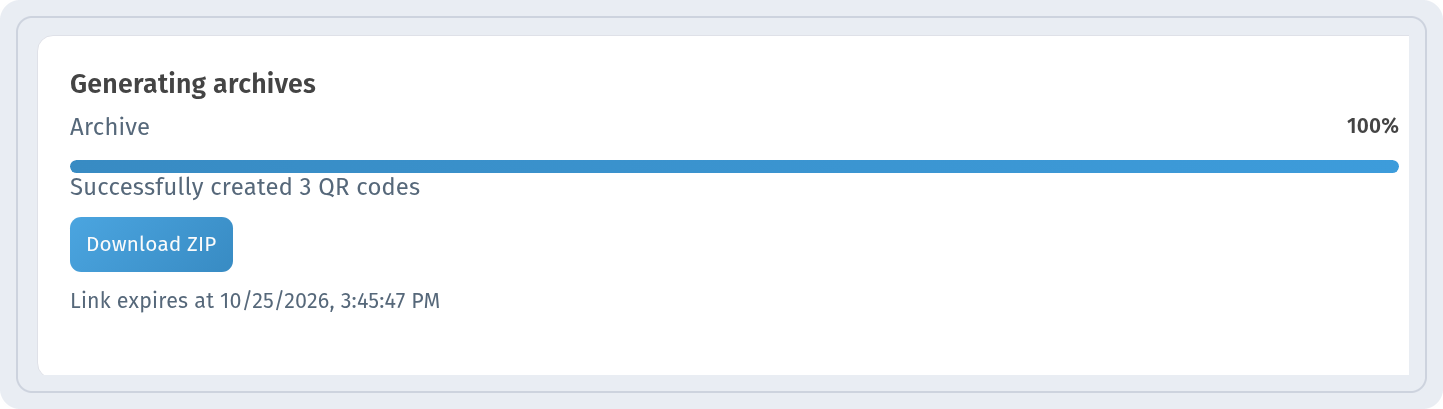
Step-by-step guide: Bulk QR codes from CSV.
Scans per product
Separate codes also give you separate statistics. On the analytics page you can see how many times codes were scanned and filter by period, so you know which products buyers actually scan.

Every saved code also appears as a card in My QR codes, with its name, folder and scan count, and a View Analytics link.
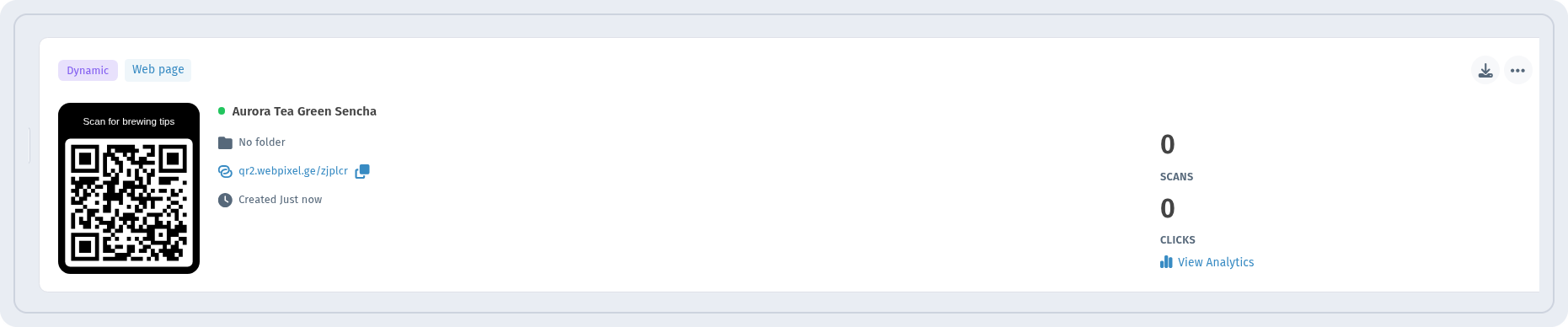
Read more in QR code analytics.
Test on real material
Before a print run, print a sample on the real material or ask the printer for a proof:
- scan it with several phones, both iPhone and Android;
- try different lighting, including shop lighting and glare;
- check it from a realistic distance and at an angle;
- make sure the page opens quickly and looks good on mobile.
Checklist
- the code is dynamic and links to a page you control;
- dark modules on a light background, the indicator shows Ready to scan;
- a frame or text explains why to scan;
- the code is on a flat area with a quiet zone around it;
- each product has its own code with a clear name;
- a sample on real material was tested with several phones.
FAQ
Can I change where the code leads after the packages are printed? Yes, if the code is dynamic. Change the Website field in the editor; do not change the URI.
One code for all products or a separate one for each? A separate code per product is usually better: each one can lead to its own page and has its own scan statistics.
What text should go under the code? A short promise of value: "Scan for brewing tips", "Watch the recipe", "Register your warranty".
Where is the best place for the code on a package? A flat, well-visible side, away from folds and seams, with an empty margin around the code.