
Blog
News, product updates, and announcements from WebQR.

How to Create an Event QR Code with Registration and Add to Calendar
Create a dynamic event QR code in WebQR: add the date, time, venue and organizer, link a registration form and map, and let guests add the event to Google, Apple, Outlook or Yahoo Calendar.

How to Create a PDF QR Code for Menus, Brochures and Manuals
Share a PDF with a dynamic QR code in WebQR: upload up to 10 files, add a title and description, let visitors view or download them and replace the file without reprinting.

How to Create a vCard QR Code for Your Business Card
Create a dynamic vCard QR code in WebQR: add your name, job title, company, phone, email and website, let people save your contact in one tap and update it any time.

How to Create a Rating QR Code for Feedback
Collect quick ratings with a dynamic QR code in WebQR: ask one question, set a scale up to 10, allow optional comments, add a thank-you message and track scans.
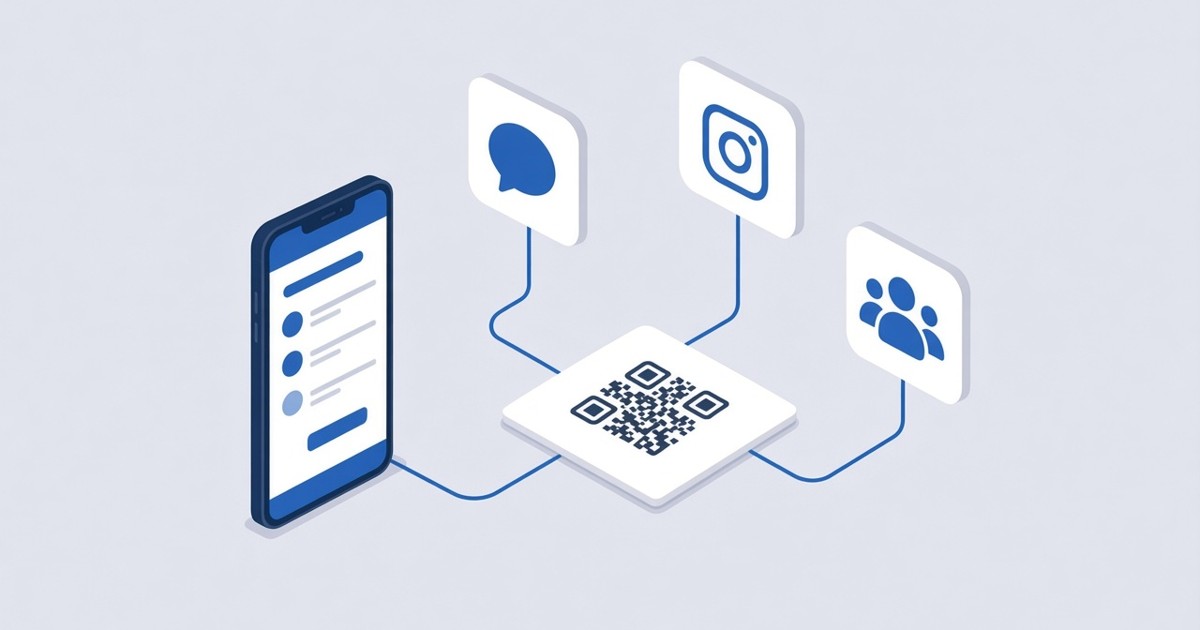
How to Create a Social Media QR Code
Put all your social profiles behind one dynamic QR code in WebQR: add Facebook, Instagram, LinkedIn and more by username, order them and change them anytime.
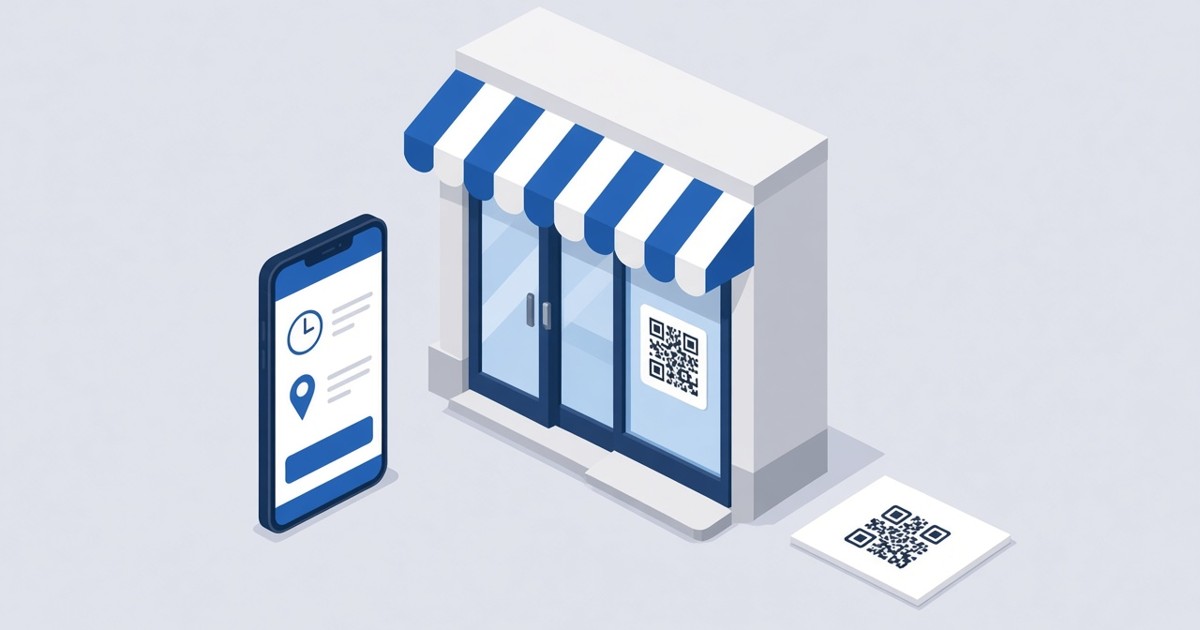
How to Create a Business QR Code
Make a dynamic Business QR code in WebQR with your name, opening hours, address with a map, a website button and social links – and update it anytime without reprinting.
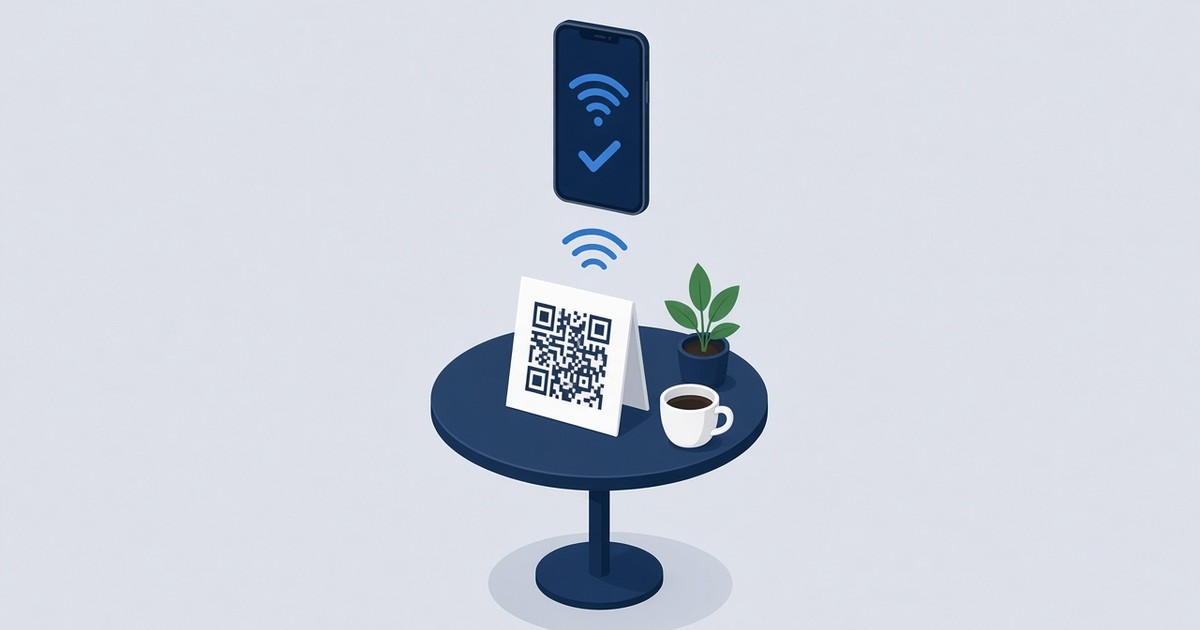
How to Make a Wi-Fi QR Code So Guests Connect Without a Password
Create a Wi-Fi QR code in WebQR so guests at your cafe, office or guest house connect without typing a password. Step-by-step guide plus design and print tips.