
QR Codes for Real Estate and Tourism in Georgia: Listings, Rentals and Guesthouses
How to use QR codes on property signs, in rentals and guesthouses: listing pages, PDF brochures, video tours, agent vCards, guest Wi-Fi, guesthouse pages with a map, events and reviews.
Batumi apartments, Tbilisi rentals and guesthouses in Kazbegi or Svaneti all have the same problem: buyers and guests want details right now, often in different languages, and a printed sign cannot hold everything. A QR code links the sign, door or reception desk to a page you can update at any time. This guide uses two demo names, Aurora Residence Batumi and Aurora Guesthouse Kazbegi, to show which WebQR code types fit each job.
Choose the type by the job
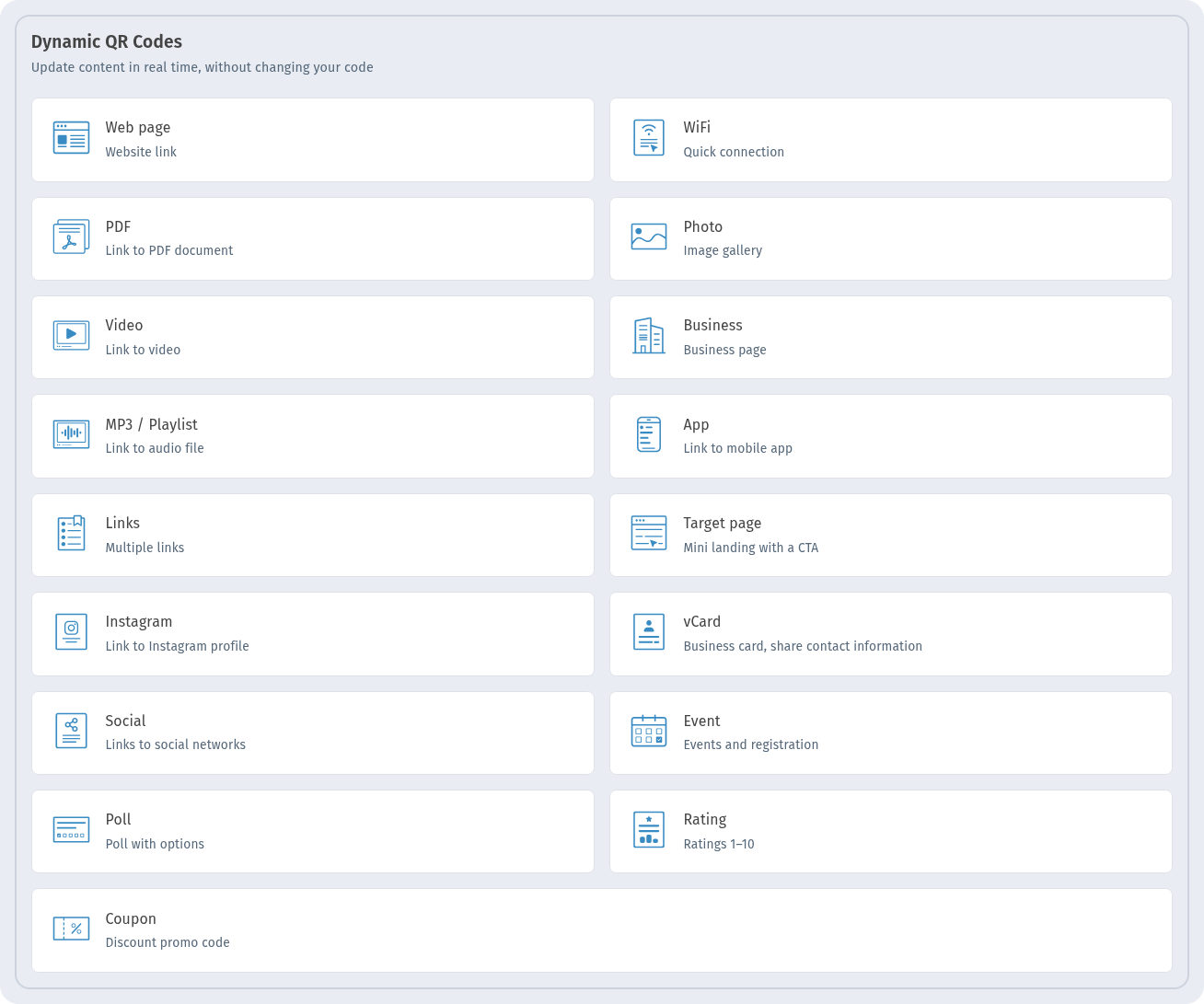
Every situation below uses a standard WebQR type: Web page for a listing, PDF for a brochure, Video for a tour, vCard for an agent, Wi-Fi for guests, Business for a guesthouse page, Event for tours and Rating for reviews. For signs that stay up for months, choose dynamic codes – you can change the content later without reprinting. More in Static vs dynamic QR codes.
Real estate: listing signs, brochures and tours
"For sale" and "For rent" signs
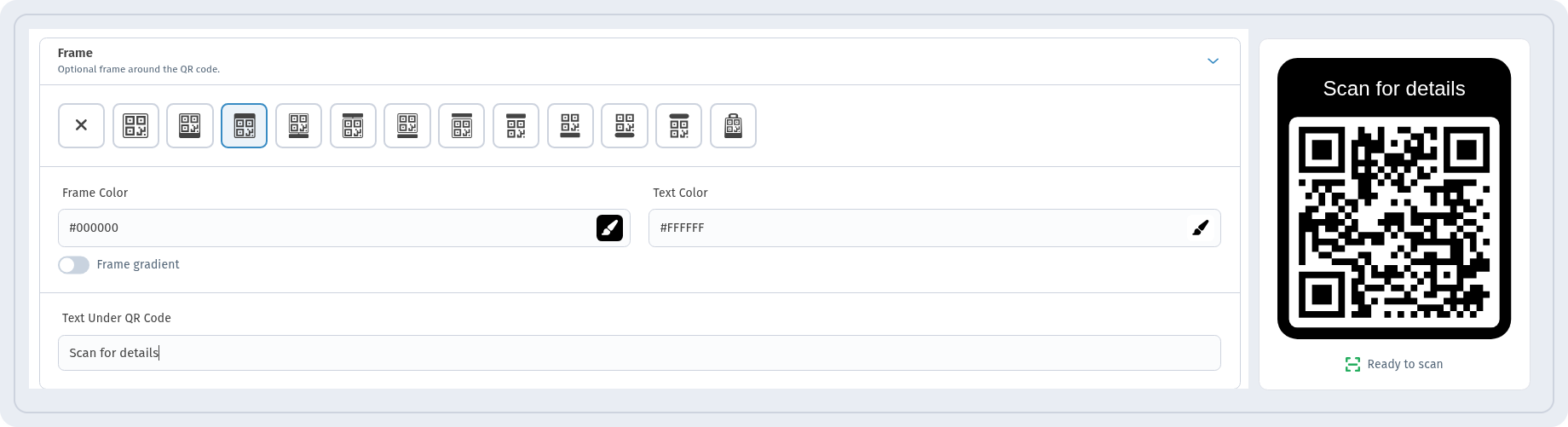
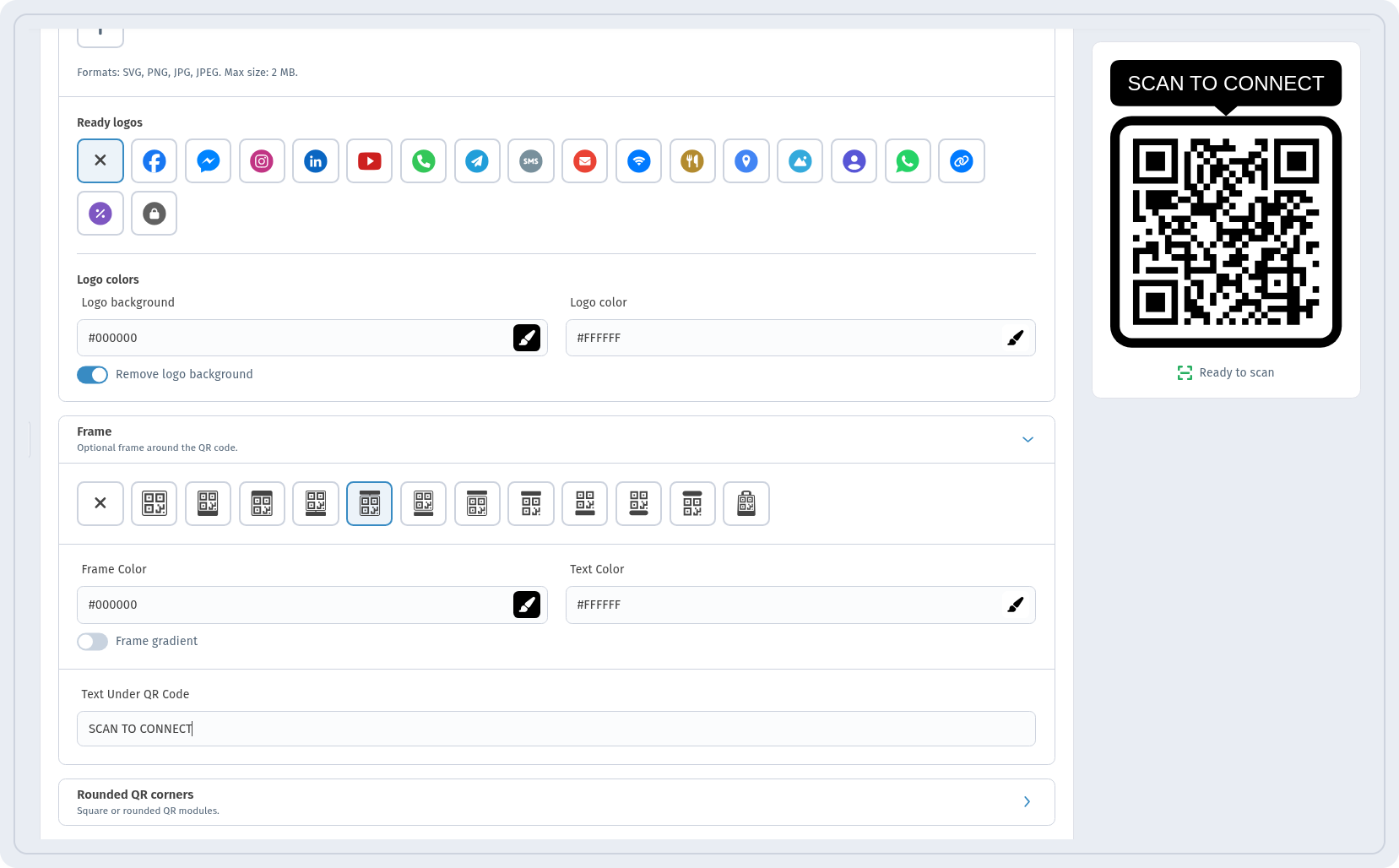
A Web page code on a sign opens the full listing: photos, price, floor plans and contacts. For Aurora Residence Batumi we added a frame in Frame with the call to action "Scan for details" in Text Under QR Code. The preview shows Ready to scan.
A sign is read from a distance, so the code must be much larger than on a flyer. A common rule of thumb is that the scanning distance is about ten times the code size, so a code read from 2–3 m should be around 20–30 cm. Keep dark modules on a light background and leave an empty margin around the code. More tips: How to print QR codes and How to add a logo to a QR code.
PDF brochure and floor plans
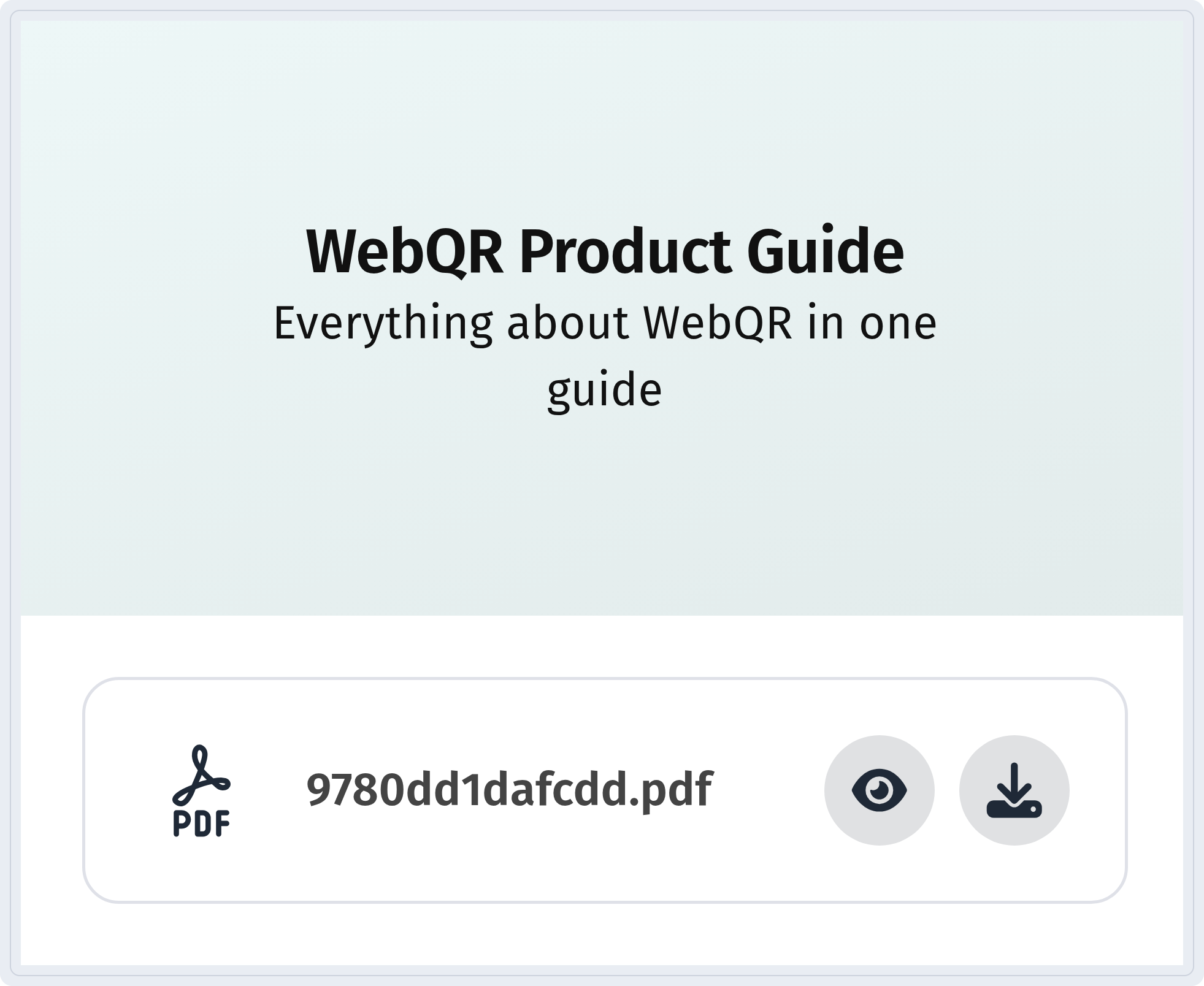
A PDF code opens a page with your files – a brochure, floor plans or a price list – with buttons to view and download them.
Step-by-step guide: PDF QR code.
Video tour
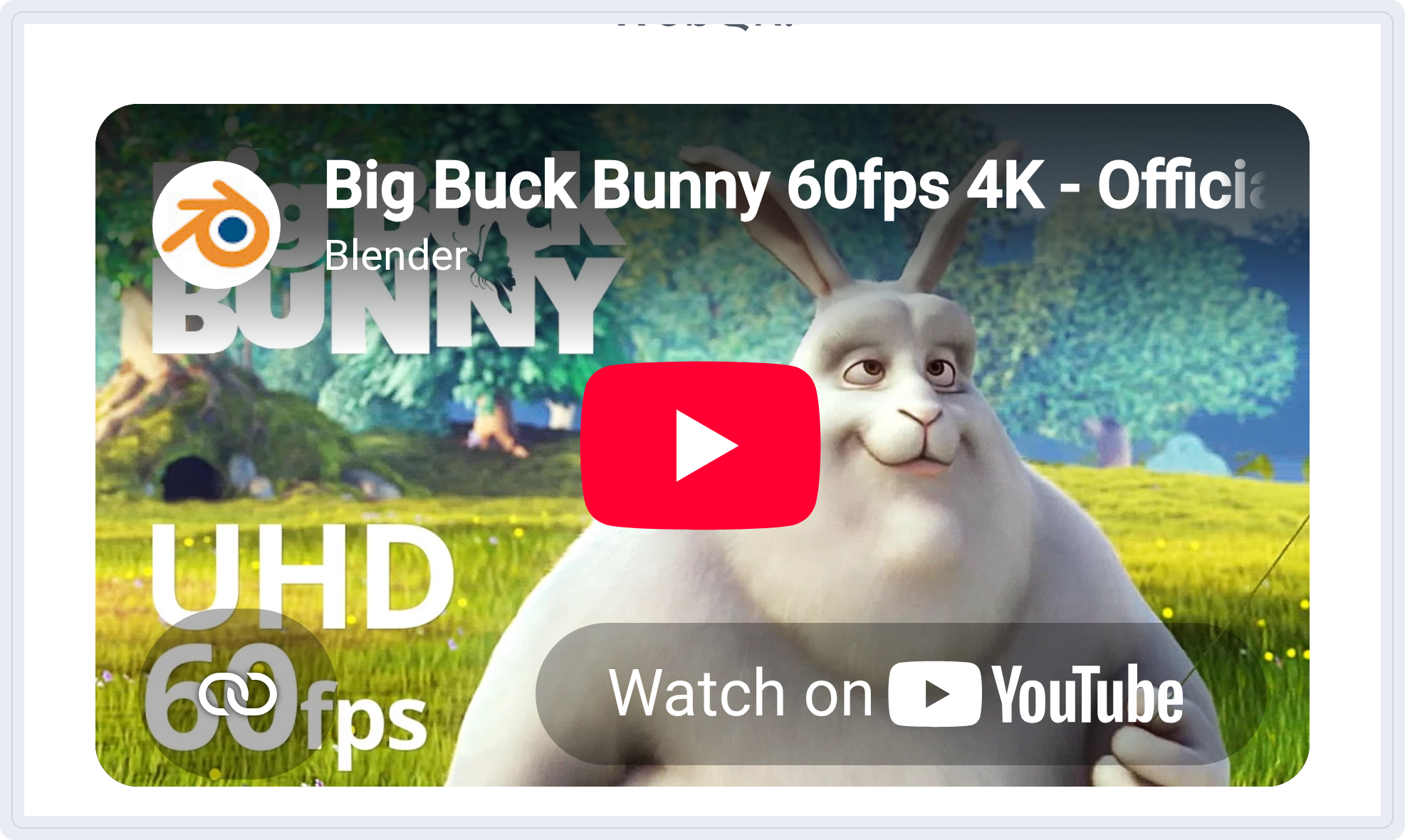
A Video code opens a page with an embedded YouTube player, so a buyer can walk through the apartment before booking a viewing.
More: Video and MP3 QR codes.
Agent contact
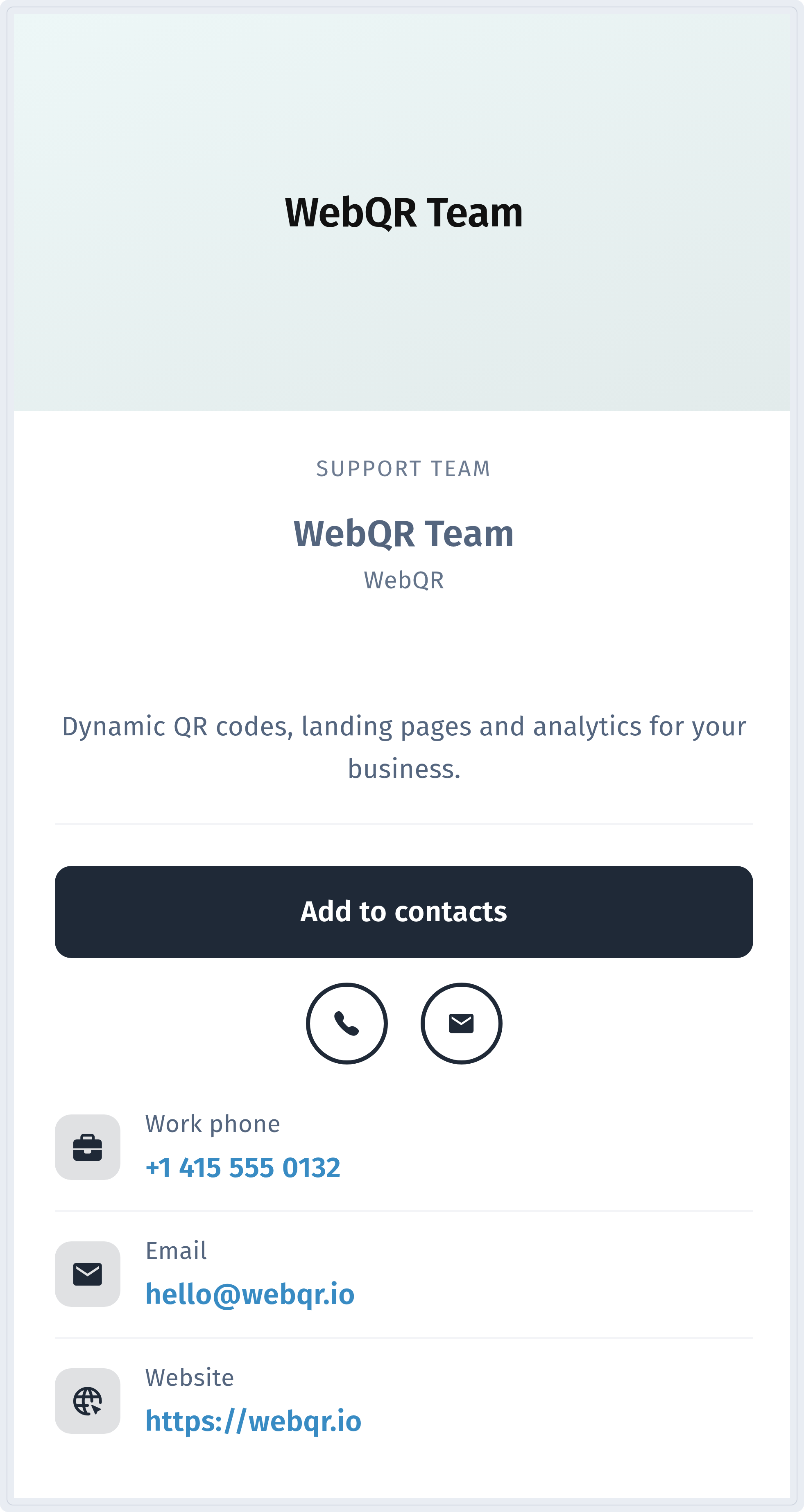
A vCard code on a sign or business card saves the agent's details with one tap on Add to contacts.
Guides: vCard QR code and QR codes on business cards and flyers.
Sold or rented? Keep the sign
When a property is sold, point the same dynamic code to another listing or to your agency page. The printed sign stays the same.
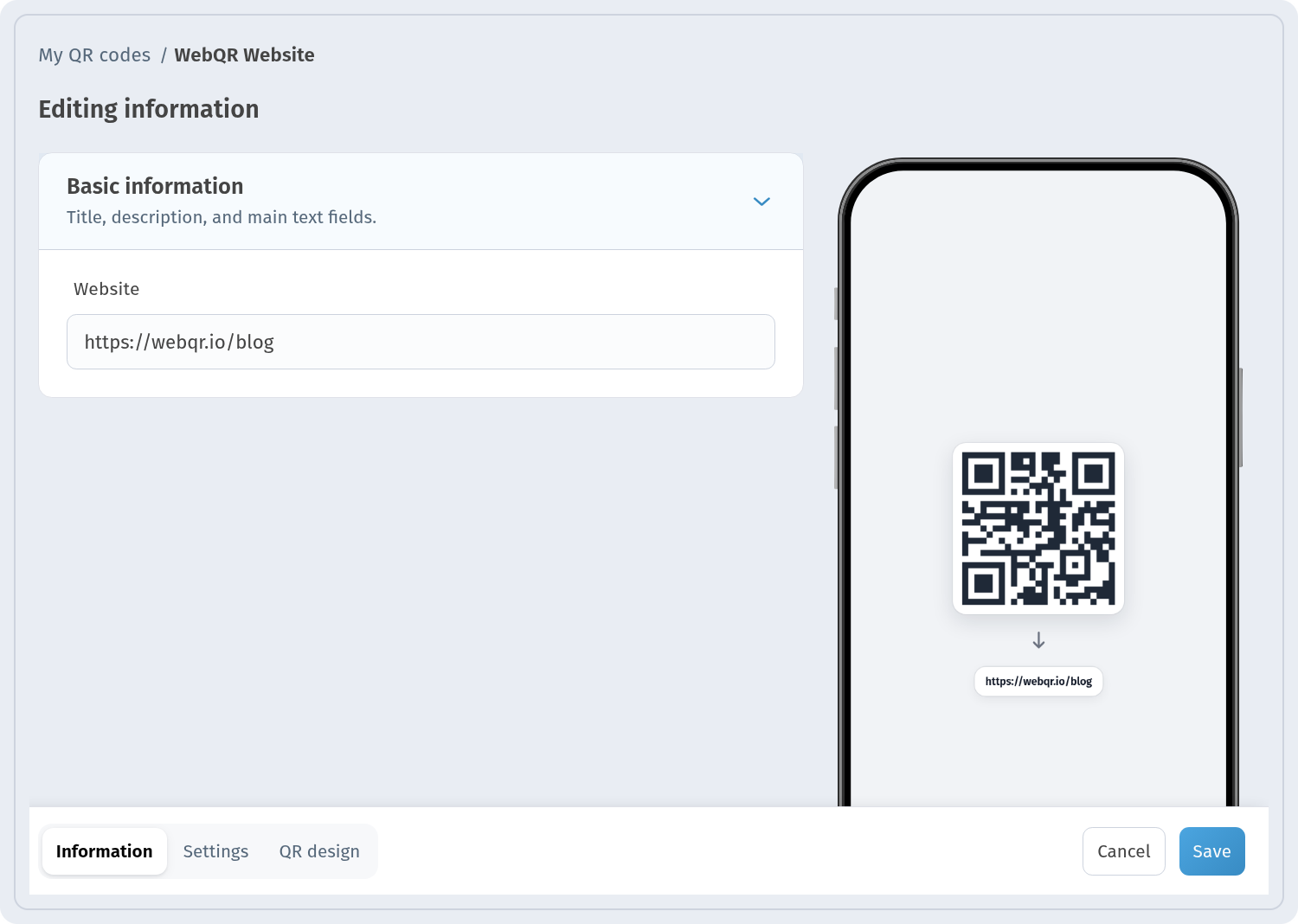
How to do it: How to edit a QR code after printing.
Rentals and guesthouses
Wi-Fi without spelling the password
A Wi-Fi code in the room or at reception connects the guest's phone without typing. A static code connects straight away; a dynamic Wi-Fi code opens a guest page with your networks, and you can change the password later without reprinting.
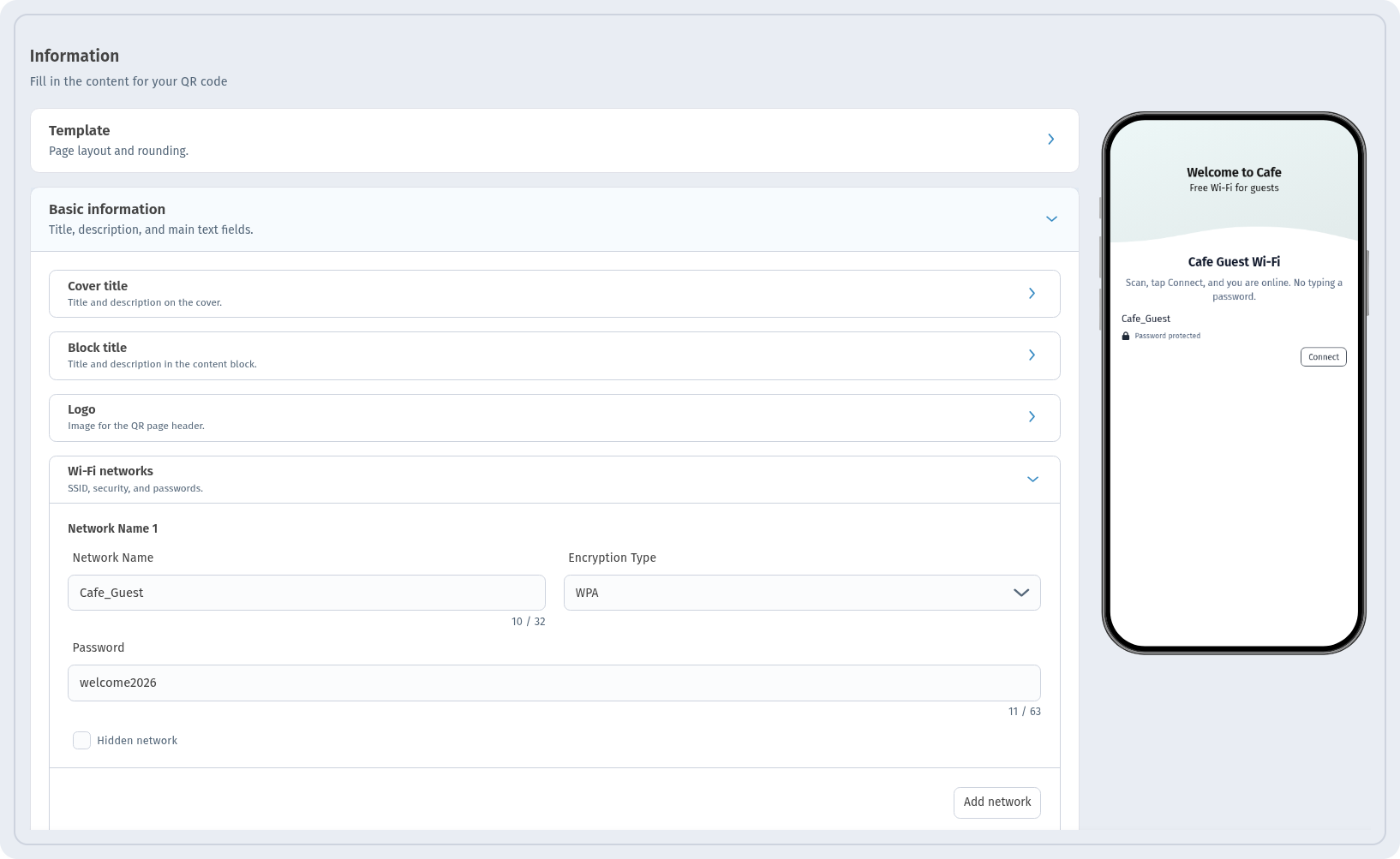
Full guide: Wi-Fi QR code.
Guesthouse page: address, map and check-in
A Business code gives a guesthouse one page with its name, description, a Website button, opening hours and the address with a map link. We created Aurora Guesthouse Kazbegi; it appears in My QR codes with the Dynamic and Business tags and a View Analytics link.

On a phone the page shows the address with a link to the map – useful for guests looking for you in the mountains.
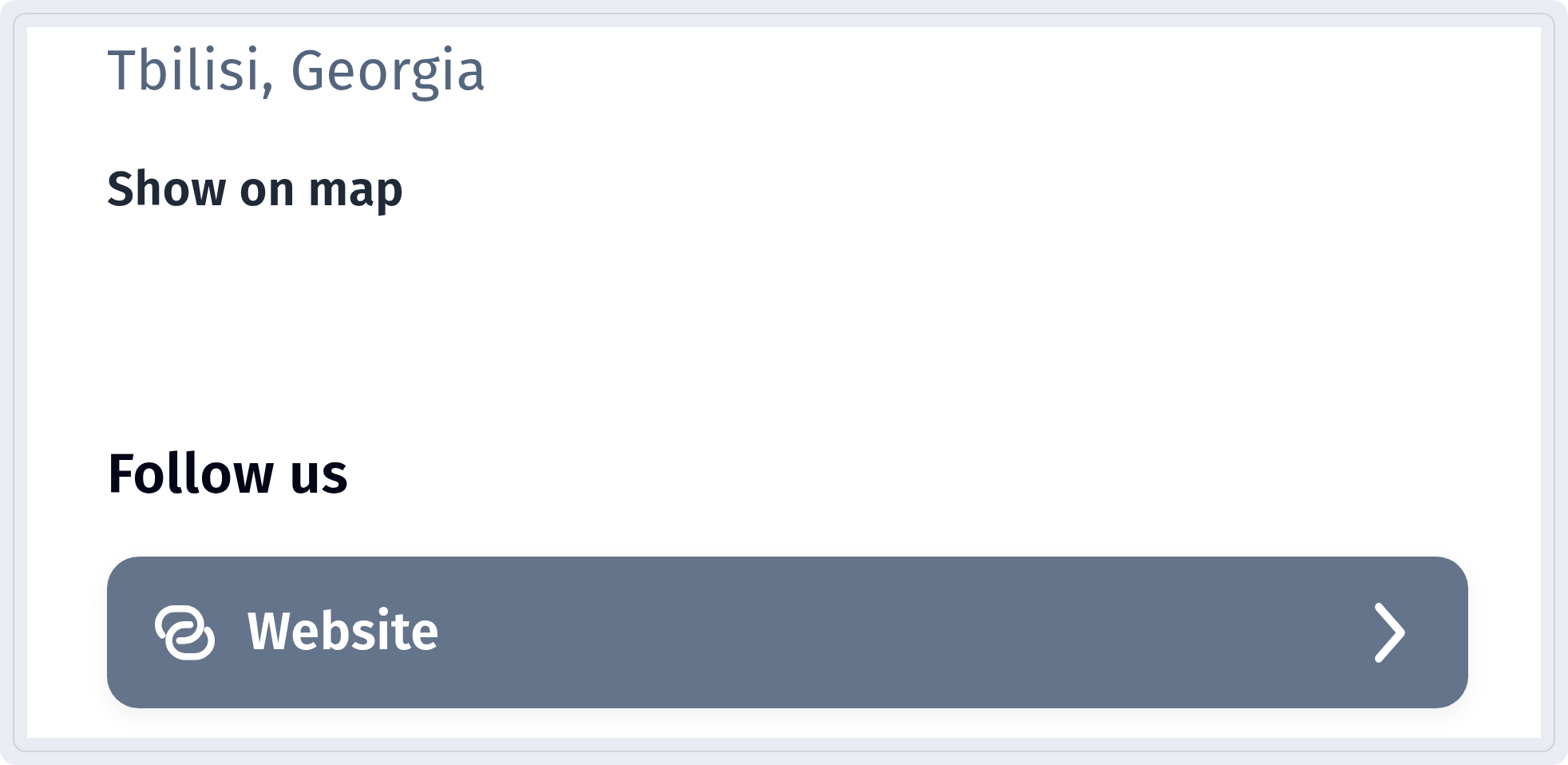
Guide: Business QR code.
Page language for international guests
In the Page language block you choose the Language for buttons and labels on the page. With the Translations switch you can enable additional page languages.
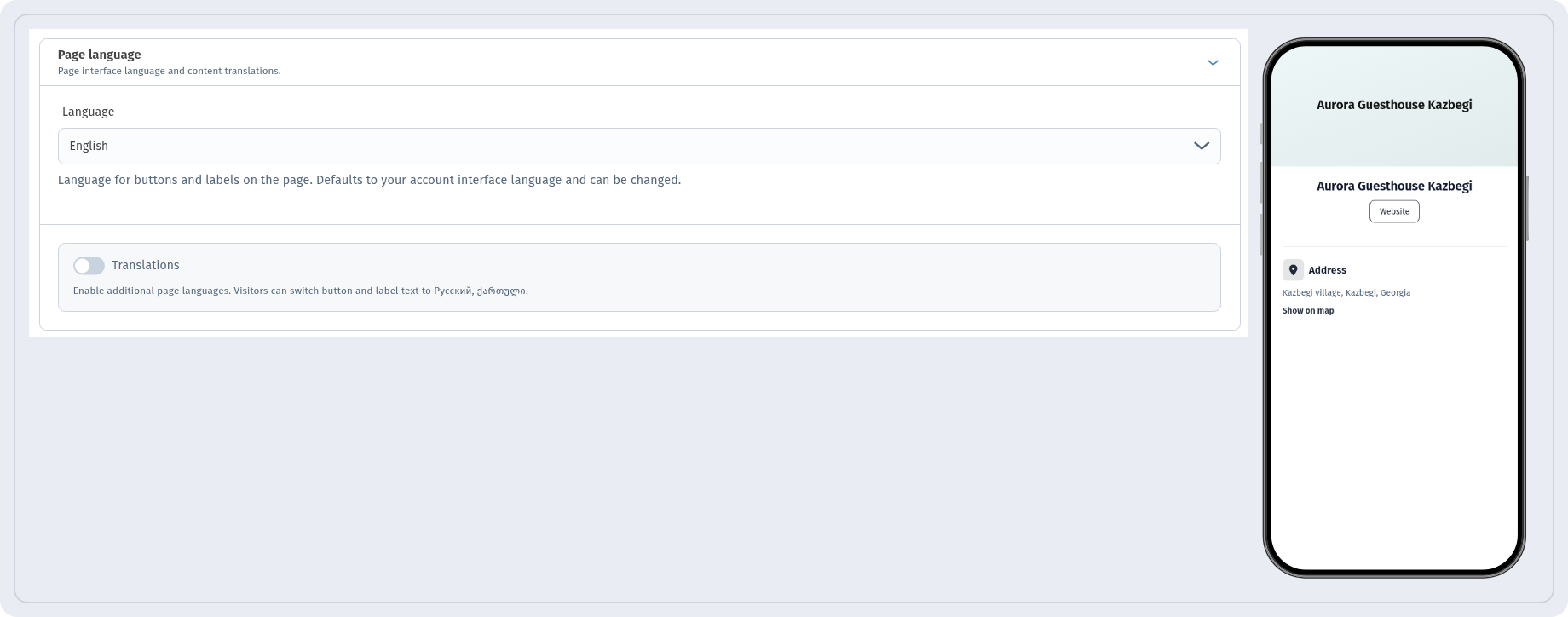
Write the main texts (description, check-in, house rules) in the language most of your guests use, and test the page on a phone before printing.
House rules, menus and area guides
Rules, a breakfast menu or a guide to the area fit well into a PDF code (see above). If the file changes, upload the new version – the code on the table stays the same.
Tourism: tours, events and reviews
Tours and events
An Event code opens a page with the date, time, place with Show on map, the organizer and Add to calendar. It works for a wine tasting, a city walk or a festival night.
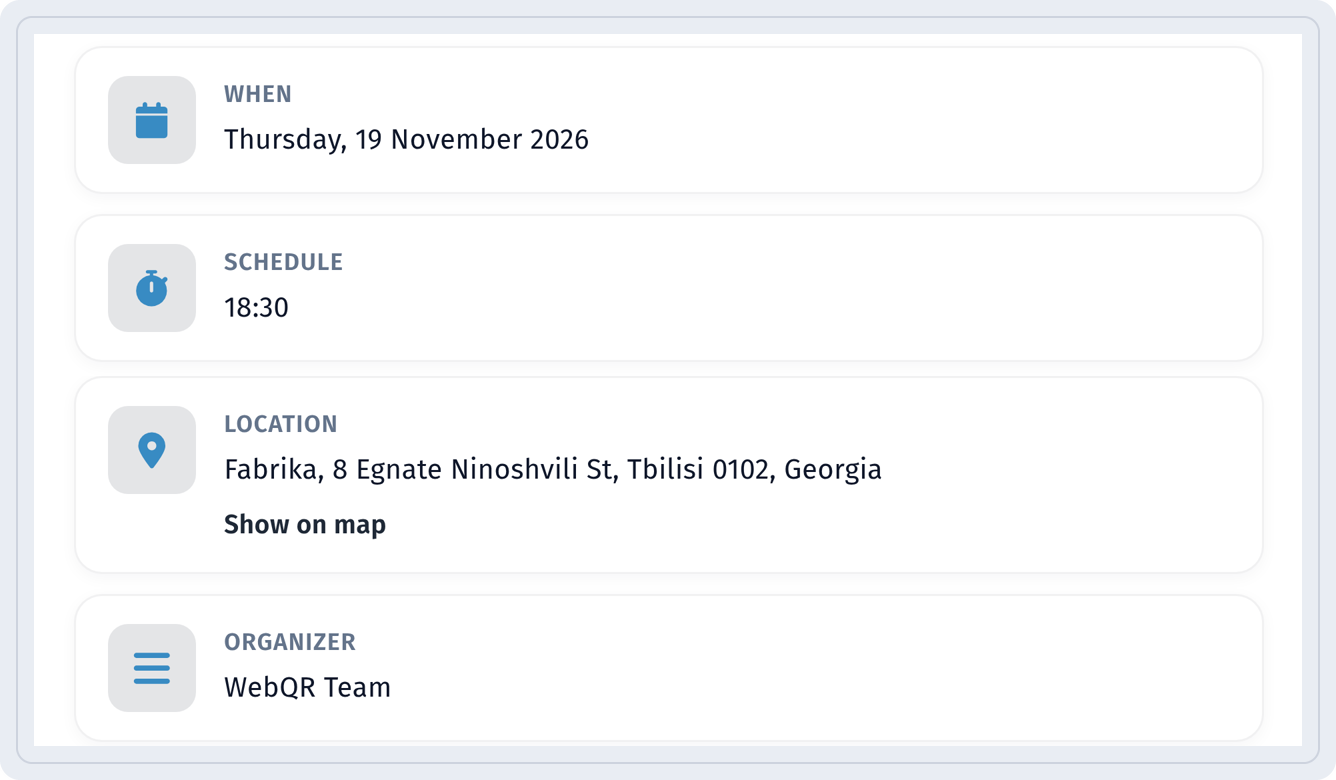
Guide: Event QR code.
Reviews
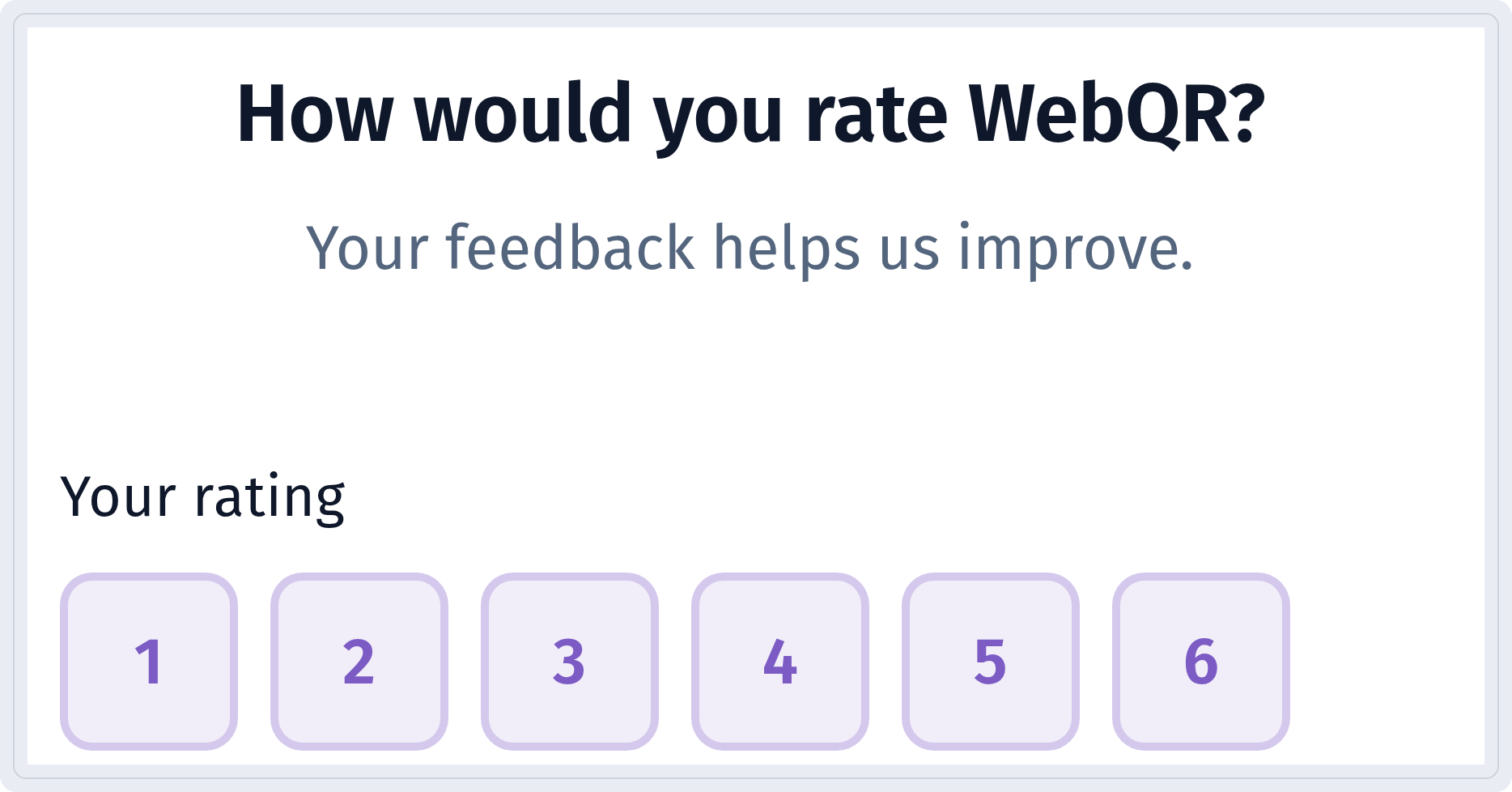
A Rating code at checkout or on the room door asks guests to rate their stay and leave a comment.
Guide: Rating QR code.
Measure what works
Use one code per sign, listing or room. Then Analytics shows which places really bring scans.

More: QR code analytics. For an agency with many listings, create codes in bulk – Bulk QR codes from CSV – and sort them into folders: Organize QR codes with folders and designs.
Placement and print
- Outdoor signs: large code, strong contrast, matte weather-resistant material, at eye level.
- Doors and reception: at eye level, in good light, with a short call to action.
- Tables and rooms: a small card or sticker; laminate it if it will be touched often.
- Test before printing: scan a sample with several phones, from the real distance and at an angle.
More on materials and labels: QR codes on packaging and labels.
Checklist
- one goal per code and the matching type;
- dynamic codes for signs and anything that may change;
- a frame with a short call to action;
- code size matched to the scanning distance;
- page language chosen in Page language;
- a separate code per sign or listing;
- a printed sample tested on several phones.
FAQ
Static or dynamic Wi-Fi code for a rental? Static connects straight away but needs a new code if the password changes. Dynamic opens a guest page, and you can change the password without reprinting.
Can I change a listing after the sign is printed? Yes, if the code is dynamic: change the link or content, and the printed code stays the same.
Can a guesthouse page be in another language? Yes. In Page language you choose the language for buttons and labels, and Translations lets you enable additional page languages.
How big should a QR code on a sign be? As a rule of thumb, about one tenth of the scanning distance: around 20–30 cm for 2–3 m. Always test a printed sample.